
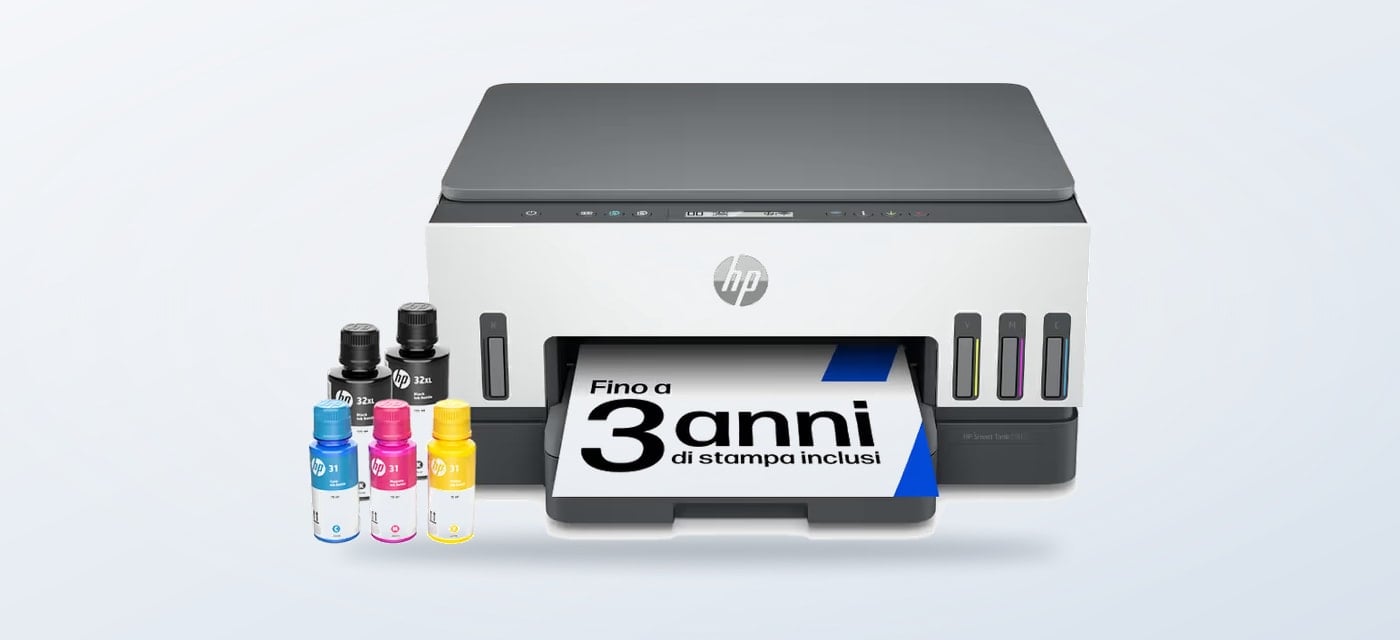
If autumn means a return to study, household paperwork and indoor projects, a home printer becomes a practical choice about print frequency, scanning needs and whether a refillable tank or cartridge model fits your routine.
We reviewed the product information on the Italian HP Store to compare three home options. The useful distinction is not a seasonal colour or a short-lived promotion. It is the balance of volume and handling between print volume, document handling and the space a printer takes up.
When you shop through the links in this article, the retailer may pay us a commission. Your price stays the same.
The short version
- HP Smart Tank 5105 suits households seeking print, copy and scan functions with refillable ink tanks.
- HP Smart Tank 7305 adds a 35-sheet automatic document feeder for batches of pages.
- HP ENVY 6532e is the wireless all-in-one choice for a mix of schoolwork, documents and photos.
- Decide by the jobs you repeat, then check the current configuration and availability on the Italian store.
A seasonal print shift
As more evenings move indoors, paper tasks cluster: school forms, recipes, calendars and project sheets. Check whether you need scan and copy functions, and whether mobile printing fits your devices. The HP Store groups its catalog by category and use, a helpful first filter.
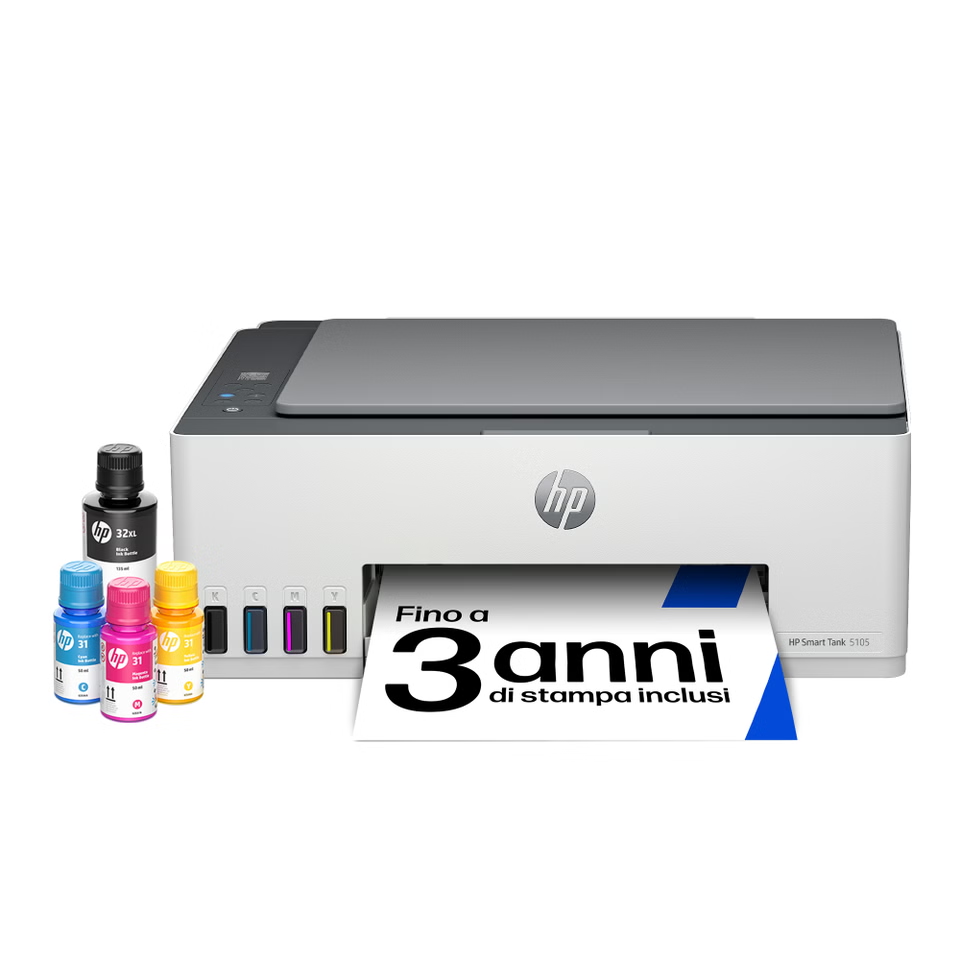
The HP Smart Tank 5105 is the basic tank option here. The store lists print, copy and scan, wireless connectivity, mobile printing and a tank system intended for larger document volumes. Those listed functions make it worth comparing for homework, forms and colour documents if the refillable format matches your print volume.
Choose the ink system
A tank can matter when replacing cartridges would become a recurring task. HP says the 5105 includes ink for up to three years of printing, but the estimate depends on use and is not a guarantee. Some ink is used to initialise the printer. Treat the yield as context, then estimate your actual print mix.
For denser paperwork, the HP Smart Tank 7305 adds a 35-sheet automatic feeder to print, scan, copy and wireless functions. That helps with multi-page forms or notes to digitise together, but matters less when most jobs are single pages.

Smart Tank also means making room for bottles and occasional refilling. Check the included supplies and consumables for your model. A tank may suit a busy household, while an occasional printer may not use its capacity advantage.
Three useful setups
The HP ENVY 6532e is a wireless all-in-one for photos and home documents. HP lists a feeder, duplex printing, touchscreen, mobile printing and compatibility with HP Instant Ink. Its page also mentions borderless photo printing and panorama formats. Review cartridge compatibility and optional service terms before buying.

This table matches listed features to common home workloads; it is not a claim that one model performs better in every setting.
| Model | Ink format | Handling | Best fit |
|---|---|---|---|
| HP Smart Tank 5105 | Refillable tank | Print, copy, scan | Regular home documents |
| HP Smart Tank 7305 | Refillable tank | 35-sheet feeder; print, scan, copy | Multi-page paperwork |
| HP ENVY 6532e | Cartridges | Wireless all-in-one; feeder | Mixed family documents and photos |
- Frequent mixed documents: start with the Smart Tank 5105 and compare its refill approach with your print volume.
- Multi-page paperwork: shortlist the Smart Tank 7305 for its 35-sheet feeder.
- Photo and family use: consider the ENVY 6532e and check its cartridge and service requirements.
These are roles, not a universal ranking. Configurations, included supplies and stock can change, so compare the current product page with your school-term workload.

Compare specifications rather than family labels alone, and review the setup and included supplies on each model page.
The autumn checklist
- Estimate how many pages you print in a normal month, not only during a busy project week.
- Decide whether scanning a stack of papers is common enough to justify an automatic feeder.
- Check phone and computer compatibility, wireless setup, paper sizes and duplex needs.
- Read the consumables and service terms for the exact model before choosing a purchase route.
The 7305’s feeder is its clearest distinction; the 5105 centres on tank-based all-in-one basics; the ENVY 6532e pairs documents with photo support and cartridge requirements. Browse current HP Store printer options after choosing your priority.

Smart Tank models vary in paper handling and all-in-one tools. Use the 7605 as a comparison point and verify its specifications.
Where each model helps
- Smart Tank 5105: everyday print, copy and scan with wireless use and refillable ink.
- Smart Tank 7305: the stronger fit when scanning or copying multi-page documents is routine.
- ENVY 6532e: home documents and photos in an all-in-one format.
Limits to weigh
- Tank capacity matters less when your household prints only occasionally.
- The 7305 feeder adds little value if you mainly scan single pages.
- The ENVY uses cartridges, so review compatibility and any optional service terms.
Summing up
For autumn forms and schoolwork, start with the HP Smart Tank 5105 if its tank format matches your needs. Choose the HP Smart Tank 7305 when the feeder helps with repeat handling, or the HP ENVY 6532e for its listed photo and family features. Check the configuration before deciding.
The honest limitation is that no single model suits both low-volume and heavy document routines equally well. Product configurations and availability can change, and tank yields depend on real use, so confirm current details with HP before choosing.