
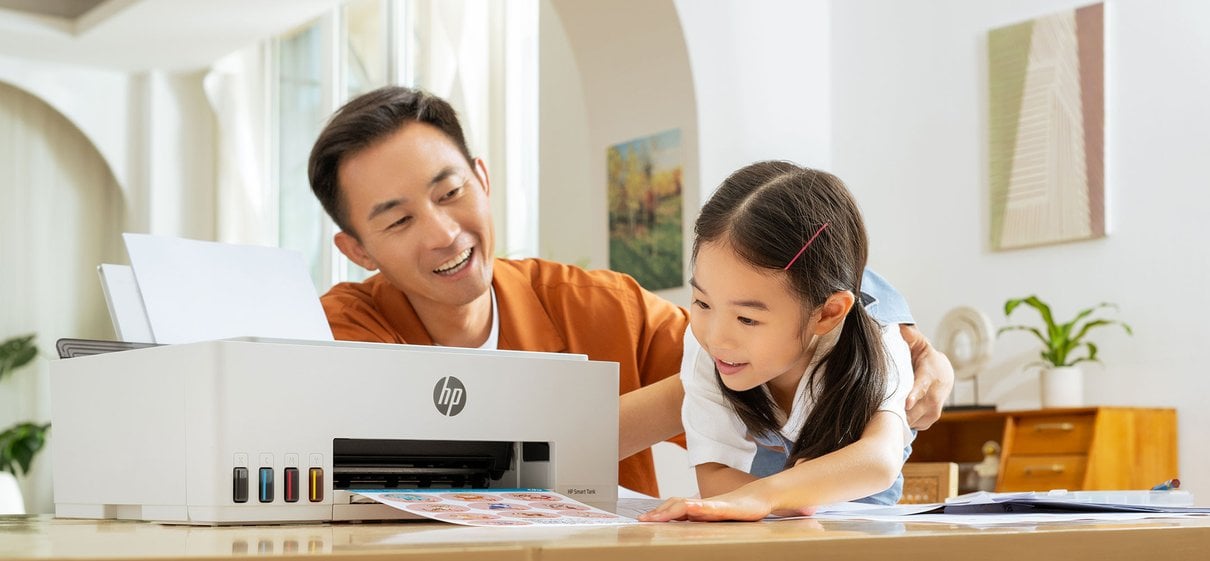
For a first-time visitor, HP Store can look like a broad electronics catalogue. Its more useful organising idea is how people use technology: portable computers for study and work, adaptable screens for changing tasks, printers for regular home output, and the supplies and support that keep those devices going.
That makes the direct store worth understanding even before choosing a model. Product pages bring configurations, technical details and availability together, while the range spans everyday setups and more specialised needs. We look at what that structure means in practice, using a few current Italian-store examples.
When you shop through the links in this article, the retailer may pay us a commission. Your price stays the same.
The short version
- HP OmniBook X Flip 16-cc0002nl pairs a 360-degree touchscreen design with a 3K display.
- HP OmniBook 7 16-bh0004nl is a larger-screen laptop with a 2.5K, 240 Hz display.
- HP Smart Tank 5105 combines printing, scanning and copying with refillable ink tanks.
- HP Smart Tank 6005 adds automatic duplex printing to the all-in-one format.
A store with a practical premise
HP Store is the manufacturer’s own retail storefront, so the catalogue is organised around HP product families rather than a mix of competing labels. That distinction matters for readers who want to compare configurations within a line, check compatibility, or look for accessories and support beside a main device. The storefront also makes the manufacturer responsible for the product information presented on its own listings. Its computer range sits alongside printing and supplies, making it possible to think about a setup as more than one device.
For a new reader, the most useful starting point is the intended routine, not a processor badge. The OmniBook families address different portable-computing needs, while Smart Tank focuses on refillable-ink multifunction printing. Other parts of the store include desktops, gaming hardware, business devices, monitors, accessories, ink and paper. The breadth is convenient, although it means shoppers should narrow their task before browsing. Readers can begin with the laptop families or the printer collection depending on their main need.
From portable to adaptable
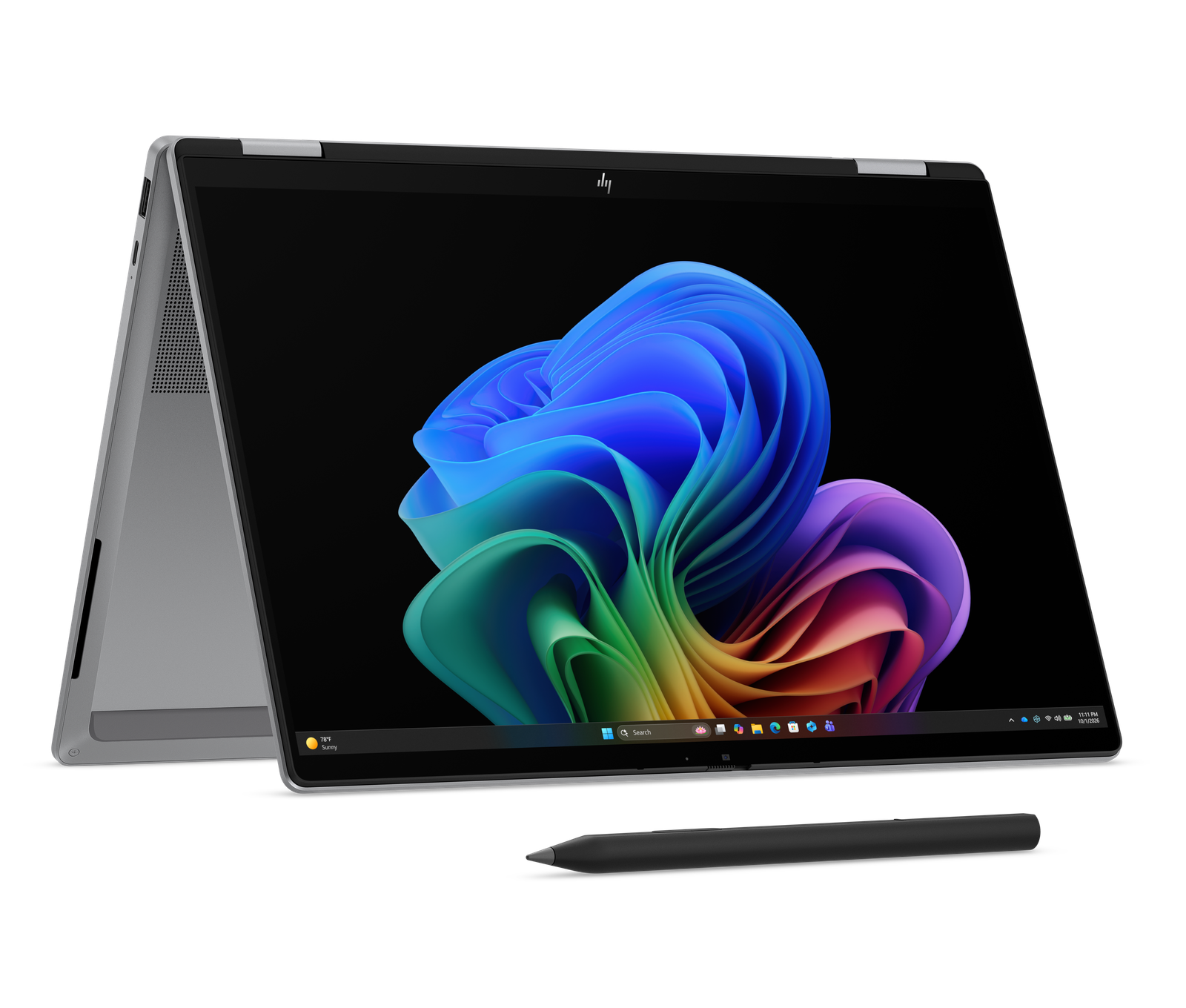
The laptop range offers a helpful illustration of how HP segments by format and performance tier. The HP OmniBook X Flip 16-cc0002nl is the flexible option in this selection: its 16-inch touchscreen rotates through four modes, and its listed configuration includes an AMD Ryzen AI 7 processor, 32 GB memory and a 3K OLED display. That combination suits someone who shifts between keyboard-led work, touch interaction and viewing content, but the convertible design is only valuable if those modes will be used. Its 360-degree hinge gives the format its central purpose.
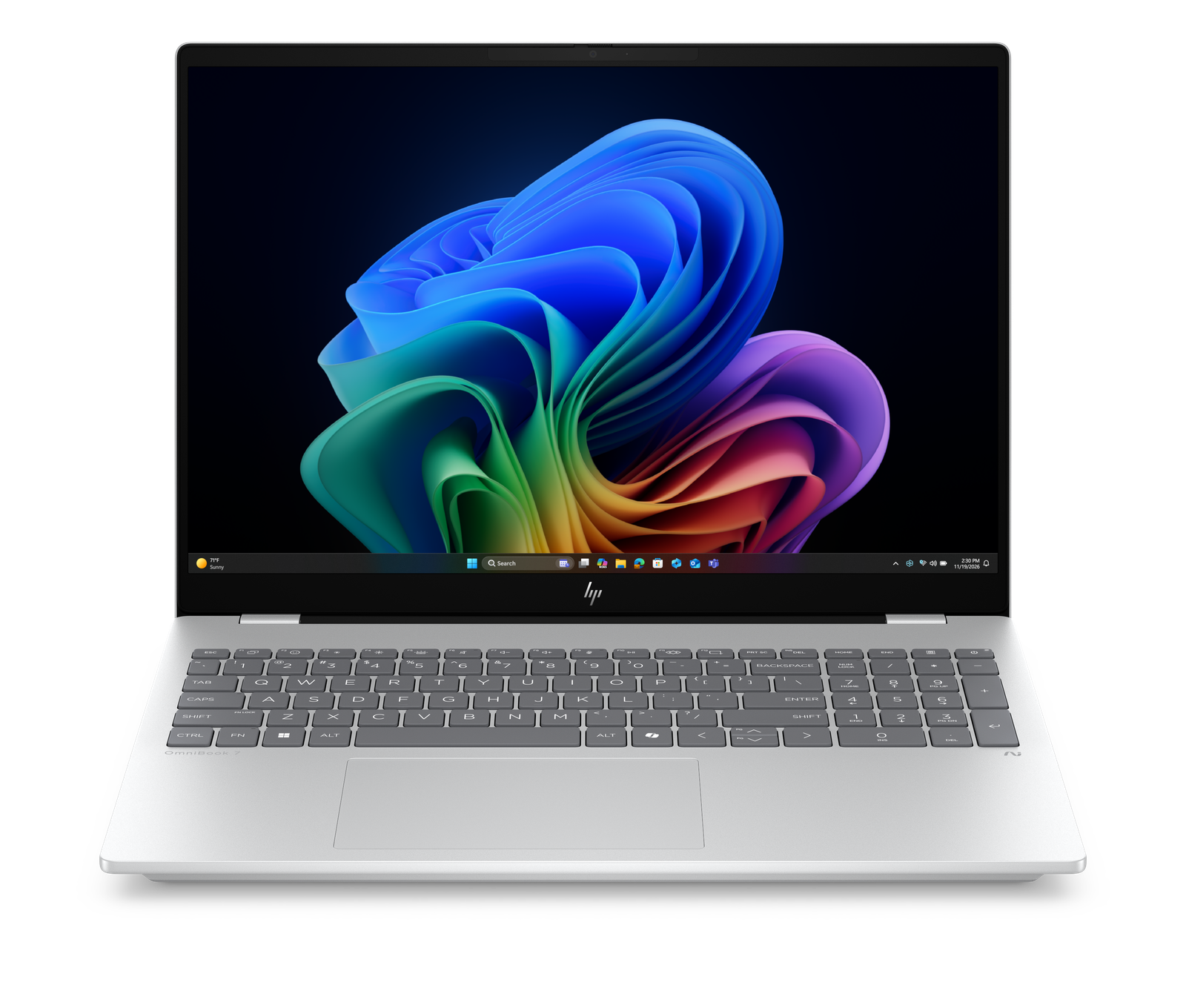
The HP OmniBook 7 16-bh0004nl takes a conventional laptop shape and puts more emphasis on a high-refresh 16-inch screen. HP lists a 2.5K panel at 240 Hz, 32 GB memory and a 1 TB SSD. This is a more focused fit for people who prefer a large screen and responsive display over a hinge that folds back. It also shows why model numbers alone are a poor guide: the specification page reveals what the family label leaves out.
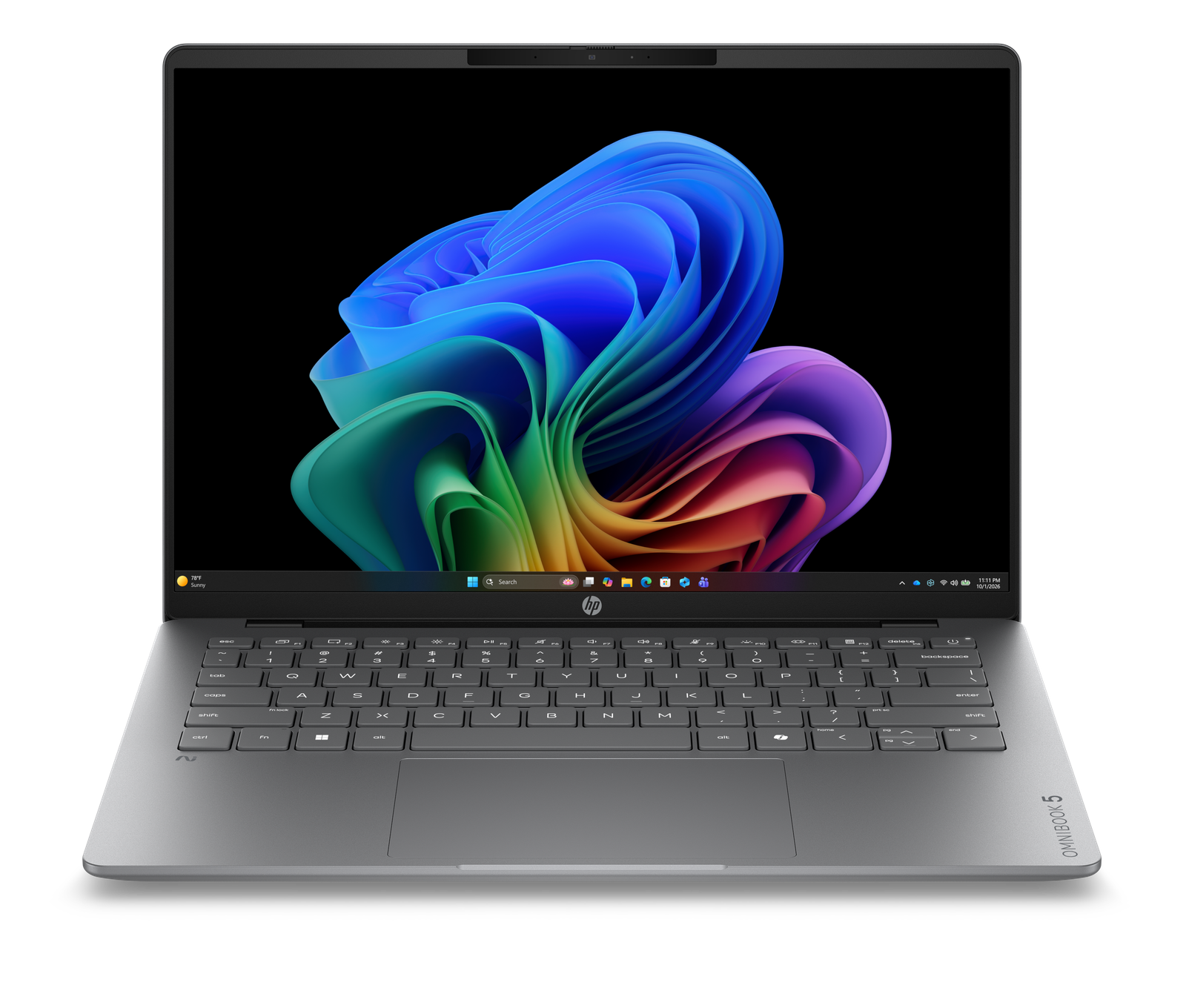
At the more mobile end, the OmniBook X Flip example is physically larger than a compact travel notebook, while HP’s OmniBook 7 is also a 16-inch machine. Readers wanting lighter carry should compare the smaller OmniBook configurations in the same store and pay attention to screen size, memory, storage and whether the charger is included. Those details vary by SKU.
The convertible format is another strand of the laptop range, illustrated by the tent-mode design shown on the HP OmniBook X Flip.
Printing beyond cartridges
Printers give the catalogue a different kind of continuity: the device is only one part of ownership, alongside ink, paper, setup and maintenance. HP’s Smart Tank proposition replaces conventional cartridges with refillable reservoirs and bottles. HP says the included ink can support extended printing, but actual yield depends on the pages printed and how the device is used. The practical question is therefore volume and pattern, not simply the headline yield. Browsing HP’s tank printer options with planned usage in mind helps keep the comparison grounded.
The HP Smart Tank 5105 is a straightforward home all-in-one for printing, copying and scanning, with wireless connectivity and manual duplex printing. HP lists it for smaller workgroups and regular document use. The HP Smart Tank 6005 adds automatic two-sided printing and a faster colour specification, which may be more useful in a shared household handling repeated multipage jobs.
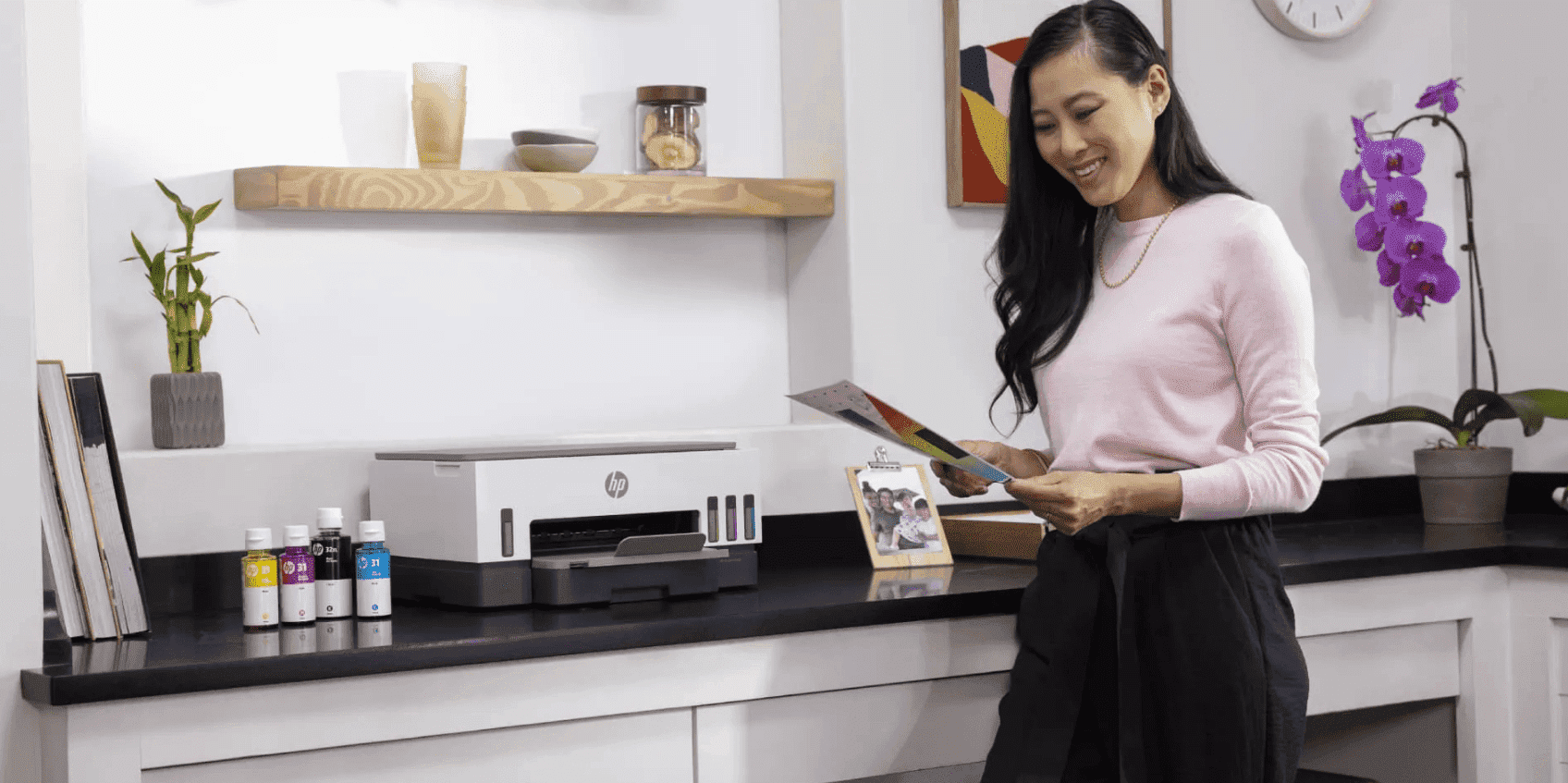
For a more demanding document routine, the Smart Tank 6005 and the higher-tier 7000 family show how the store steps up features. Some 7000-series listings add an automatic document feeder, useful when scanning or copying multi-page paperwork. Before choosing, compare the exact model’s feed options, duplex behaviour, connectivity and bottle compatibility. A tank printer can make sense for steady output; someone printing only occasionally may prefer to compare the full ownership cost and maintenance requirements first.
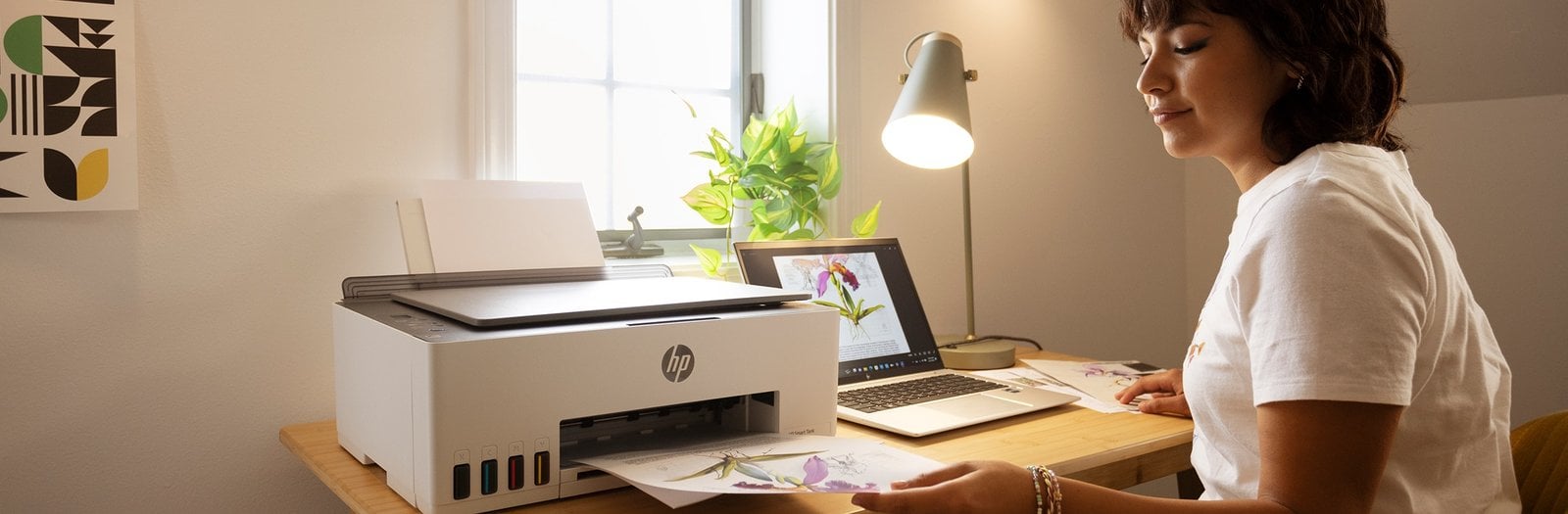
HP also lists higher-tier tank models for workflows that involve more frequent copying and document handling.
Buying from the source
A direct manufacturer storefront has a clear editorial advantage: product pages tend to carry detailed specifications, model identifiers, accessory suggestions and availability in one place. HP Store Italy also presents its own expert support and shipping information near product listings. That can help when checking whether a particular configuration includes a charger or when a printer needs compatible ink. It does not remove the need to compare carefully, but it makes the source details easier to find. Check the live product details using current laptop configurations and current printer listings directly before deciding.
Availability, included accessories and displayed pricing can change, so readers should treat a product page as a live listing rather than a permanent promise. For any shortlisted laptop, check the exact display, processor, memory and storage combination. For a printer, check whether duplex is manual or automatic, whether an ADF is included and the refill supplies used by that SKU. These are more decision-relevant than a broad family name.
Where the range connects
- Computer families cover portable basics through larger and convertible screens.
- Product listings expose configuration details at the model level.
- Smart Tank links the printer choice to refillable ink and ongoing supplies.
Trade-offs to consider
- The number of similar SKUs can make comparison feel technical.
- Some features differ between models that share a family name.
- Tank printers reward regular use, while occasional printing may call for a different cost calculation.
Summing up
HP Store is easiest to understand as a connected catalogue of devices and the supplies or support around them. Its OmniBook families make sense to explore when choosing a laptop by screen format and workload, while Smart Tank is relevant to households with recurring print needs. The direct store is most useful for verifying the precise specification and compatibility details attached to each model. That model-level detail is the most practical part of the experience.
Our recommendation for a first visit is to shortlist by routine, then compare exact listings and current availability. The honest limitation is that the breadth and SKU overlap can slow the decision if you browse without criteria. Start with what you need the device to do, and use HP’s product pages to confirm the details.