
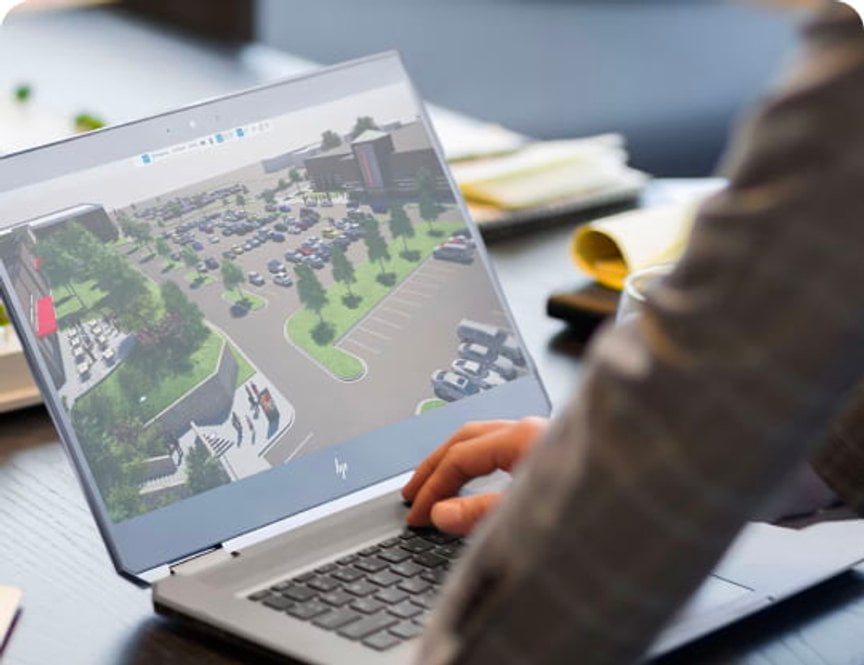
When people first arrive at HP Store, the obvious question is not simply which laptop to choose. It is how a large technology catalogue can be made relevant to the way someone actually works, studies, creates or relaxes. That is the useful lens for reading the HP Store collection: as a set of product families organised around different routines.
We looked at the Italian store’s current structure and selected a few concrete examples to explain the brand’s approach. The result is a brand introduction rather than a hands-on test, with the emphasis on range, context and the details worth checking on each product page.
When you shop through the links in this article, the retailer may pay us a commission. Your price stays the same.
The short version
- HP OmniBook 5 16-ag1017nl is positioned for home, study and everyday entertainment, with 16 GB RAM, 1 TB SSD storage and a 16-inch 2K display.
- HP OmniBook 5 16-ag1013nl keeps the same broad role while moving to an AMD Ryzen AI 7 processor and Radeon 860M graphics.
- HP OmniBook X Flip 16-cc0002nl adds a 360-degree touch display, 32 GB RAM, 1 TB SSD storage and a 16-inch 3K panel.
- Beyond laptops, the store covers desktops, printers, gaming hardware, accessories and manufacturer support.
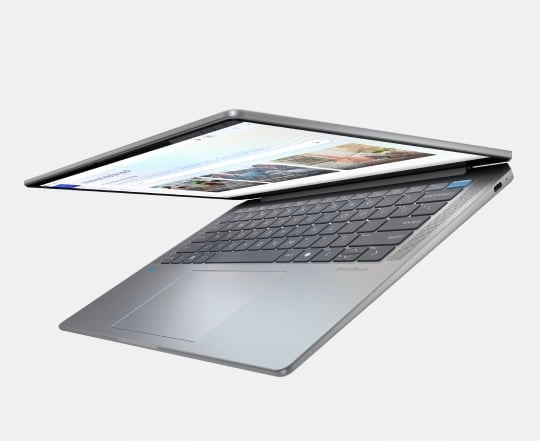
A broader idea of everyday tech
HP Store is more useful when treated as a connected range rather than a single laptop aisle. The navigation separates home, work and gaming needs, then adds printing, accessories and care services around them. That structure reflects a practical truth: the right device is shaped by the room it sits in, the software it needs to run and how often it travels.
- Home and study: straightforward notebooks, desktops and printing for shared routines.
- Work: business computers, displays, accessories and support built around longer working days.
- Gaming: dedicated laptops, desktops and peripherals with performance as the organising idea.
- Printing: home and business options, plus ink, toner and paper categories.
That range is also why a first visit can feel broad. We recommend starting with the task, then using the store’s filters and product pages to narrow the choice. The brand’s own descriptions are strongest when they connect a model to a setting, such as home, study, entertainment or flexible work.
The range in context
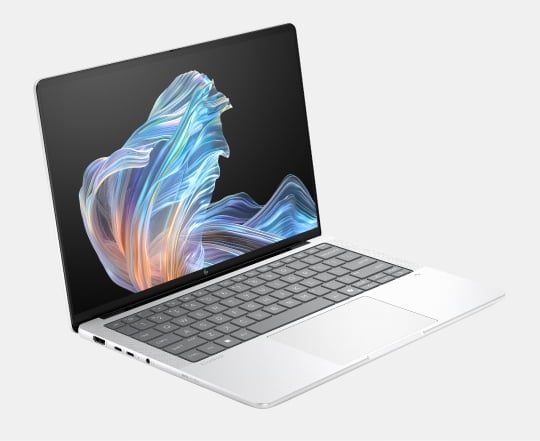
The OmniBook family shows how HP translates the same general idea into different levels of flexibility. The HP OmniBook 5 16-ag1017nl PC Portatile is the sensible everyday reference point: its 16-inch 2K screen, AMD Ryzen AI 5 processor, 16 GB memory and 1 TB SSD are a balanced specification for study, documents, streaming and general multitasking. Check its current HP Store listing before deciding.
The HP OmniBook 5 16-ag1013nl PC Portatile illustrates a step up within the same family. It retains 16 GB RAM and 1 TB SSD storage but lists an AMD Ryzen AI 7 processor and Radeon 860M graphics. That makes the model relevant to readers who want more headroom without moving immediately to a convertible format. Check the live HP Store listing for the current price and configuration.
At the more flexible end, the HP OmniBook X Flip 16-cc0002nl PC Portatile con Schermo Touch is built around changeable use. Its touch display rotates through four modes, while the listed 32 GB RAM, 1 TB SSD and 16-inch 3K 120 Hz panel point toward creative work, presentations and people who move between keyboard and touch input. The trade-off is simple: a convertible earns its place when that flexibility matters.
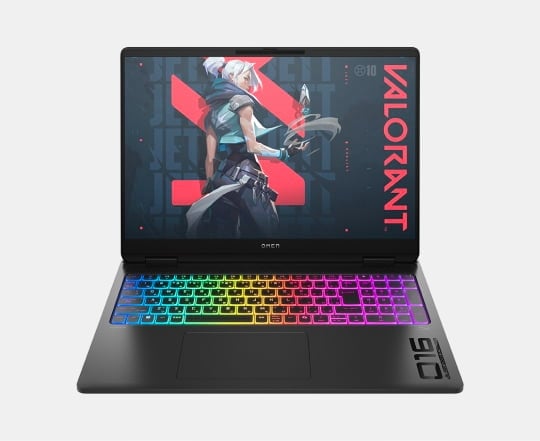
What sits around the laptop
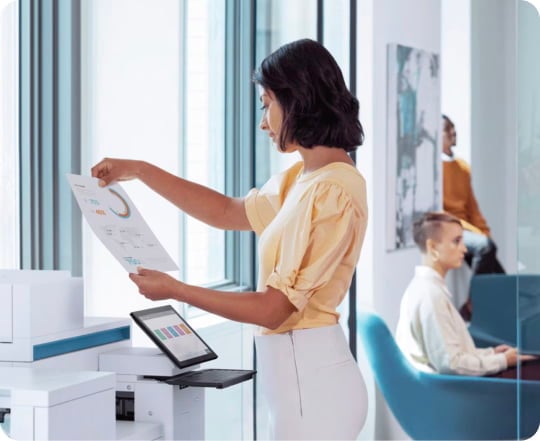
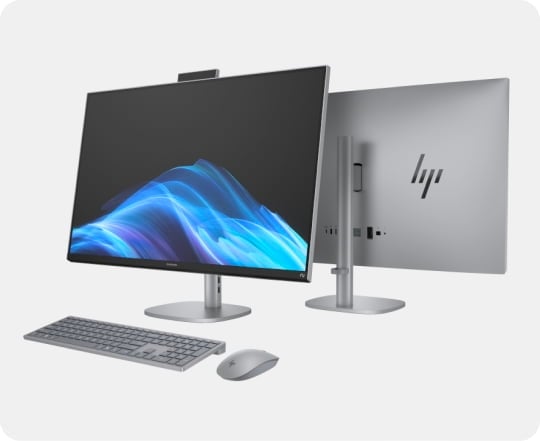
A brand story would be incomplete if it stopped at notebooks. HP Store also makes the wider setup visible, which is useful for first-time shoppers building a workstation rather than replacing one device. Desktops suit fixed spaces, gaming systems prioritise graphics and cooling, and printing has its own split between household and business use.
- Choose a desktop when screen size, ports and a permanent desk matter more than portability.
- Look at gaming families when graphics performance and compatible peripherals are central to the brief.
- Use the printing categories to match expected volume and colour needs, not just the smallest footprint.
- Add accessories only after checking ports, desk space, keyboard preferences and camera or audio requirements.
Why the direct store matters
The direct-store context matters because the HP product pages are where the useful qualification lives. HP lists the operating system, processor, memory, storage, display and graphics details for specific configurations, alongside availability, delivery information and manufacturer support. Those details can change between models that look almost identical in a category grid.
We would also treat the direct HP Store as a place to compare configurations, not as a reason to assume that a higher tier is automatically better. A large screen may help with documents but reduce portability. More memory can help with multitasking, while a convertible hinge only adds value if touch and multiple modes fit the routine. The best starting point is the one whose specific strengths will be used regularly.
Where the range is strongest
- Clear separation between home, work and gaming use cases.
- Specific product pages with detailed configuration information.
- A connected catalogue covering computers, printing and accessories.
- Direct manufacturer support and store-side service information.
Points worth keeping in mind
- Availability and configuration can vary by model and region.
- A broad catalogue means filtering is part of the buying process.
- Current pricing should be checked on the live Italian product page.
- A convertible or higher specification only makes sense when the use case supports it.
Summing up
HP Store stands for a broad, use-case-led technology catalogue rather than one signature product. For a first visit, the OmniBook 5 models are a clear entry into everyday computing, while the OmniBook X Flip shows how the range expands for readers who value a touch-first, adaptable format.
The honest limitation is choice: the store asks you to spend time matching specifications to your routine. That is worthwhile when you use the product pages carefully and check the current configuration before deciding.