
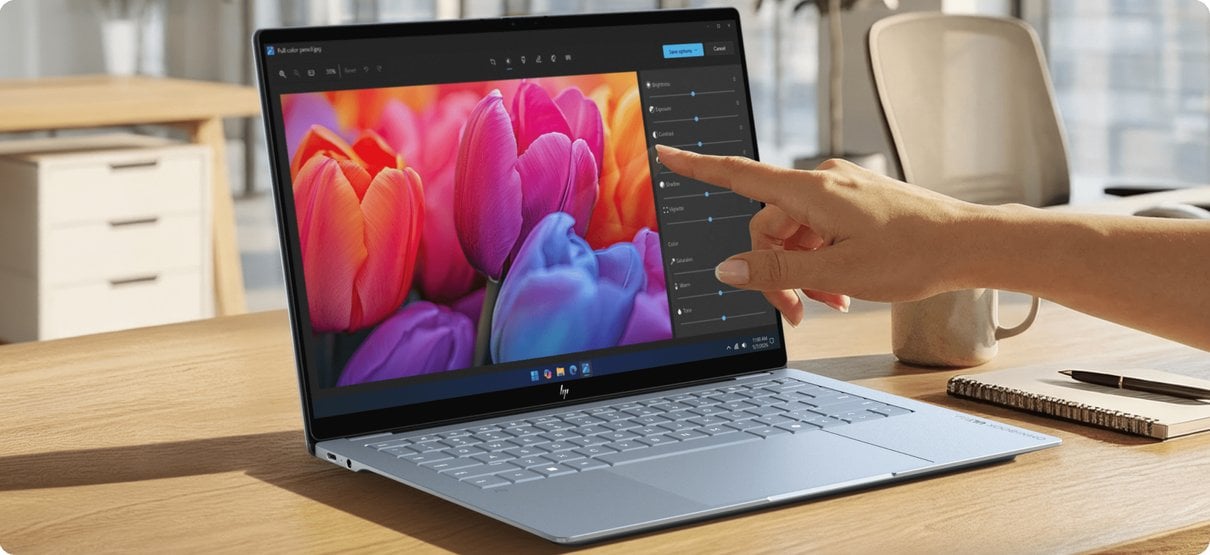
Buying directly from a computer maker can simplify model research, but it does not automatically make every configuration the right fit. The useful question is whether the Italian HP Store gives shoppers enough range and product detail to choose with confidence, and how the OmniBook models differ in everyday use.
We reviewed the Italian store’s product information for this piece. The pages describe a compact 14-inch laptop, a higher-tier 14-inch model and a larger convertible; their listed configurations and availability can change, so check each current listing before deciding.
When you shop through the links in this article, the retailer may pay us a commission. Your price stays the same.
The short version
- HP OmniBook 5 14-he0007nl is the compact everyday choice in this sample, with a 14-inch format.
- HP OmniBook 7 14-kh0000nl sits higher in the range for buyers who want stronger listed processor and connectivity options.
- HP OmniBook X Flip 16-as0000nl adds a 360-degree hinge and a larger convertible screen.
- The store’s product pages make specifications and support details available in one place, but shoppers still need to compare configuration and stock carefully.

A focused laptop range
The strongest point of the HP Store for this buying decision is the ability to compare models from a single brand catalogue. The Italian listings connect each name to specific hardware details, so buyers can move from a general family name to the exact configuration. That matters because two laptops in one range can differ in display, processor, memory and wireless capability.
The HP OmniBook 5 14-he0007nl is the sensible starting point for a portable everyday computer. Its 14-inch size keeps it in a familiar carry-around class, and its listed spec page is the place to confirm the processor, memory and panel for the exact SKU. This model makes most sense for study, documents, browsing and video calls where portability is a priority.
There is a credible step up in the HP OmniBook 7 14-kh0000nl. HP’s cached Italy-store product information positions OmniBook 7 with higher-tier processor and Wi-Fi options. That is useful context, although the range label alone does not tell us whether a particular configuration justifies its additional cost. Compare the actual component list against your regular workload rather than buying on the family name.
Convertible flexibility
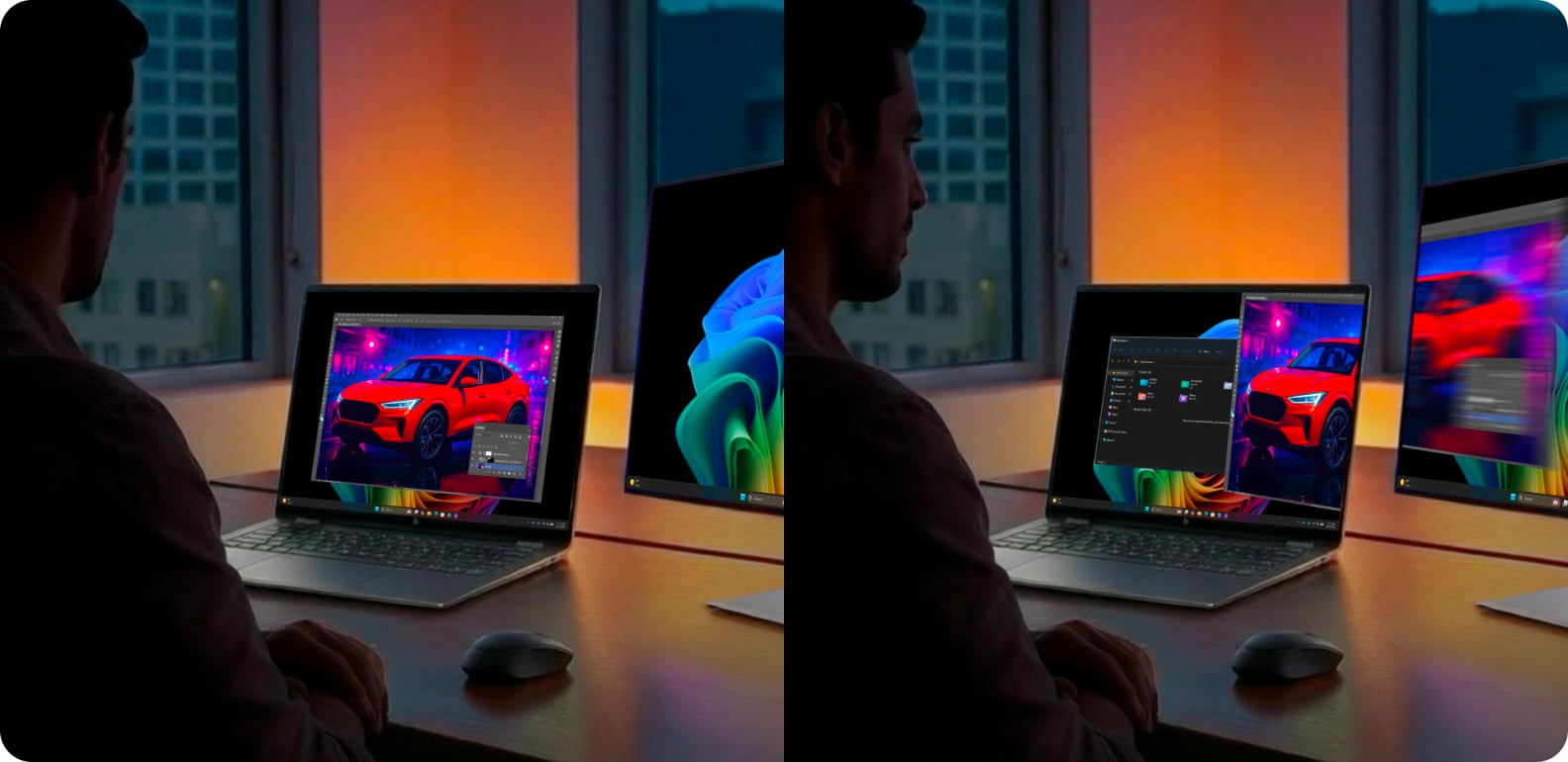
The HP OmniBook X Flip 16-as0000nl answers a different need. HP lists a 360-degree hinge and OLED configurations for the Flip family, pairing a tablet-like stand mode with a larger 16-inch display. That flexibility can suit people who switch between typing, presenting and viewing content, but the larger chassis is less compelling for readers whose first concern is a light commute.
Check the product page for the exact panel, touch capability, processor and included accessories. Product families can contain multiple versions, and stylus availability or display technology should not be assumed from the model name alone. The Flip listing is therefore a better comparison anchor than a broad marketing description.
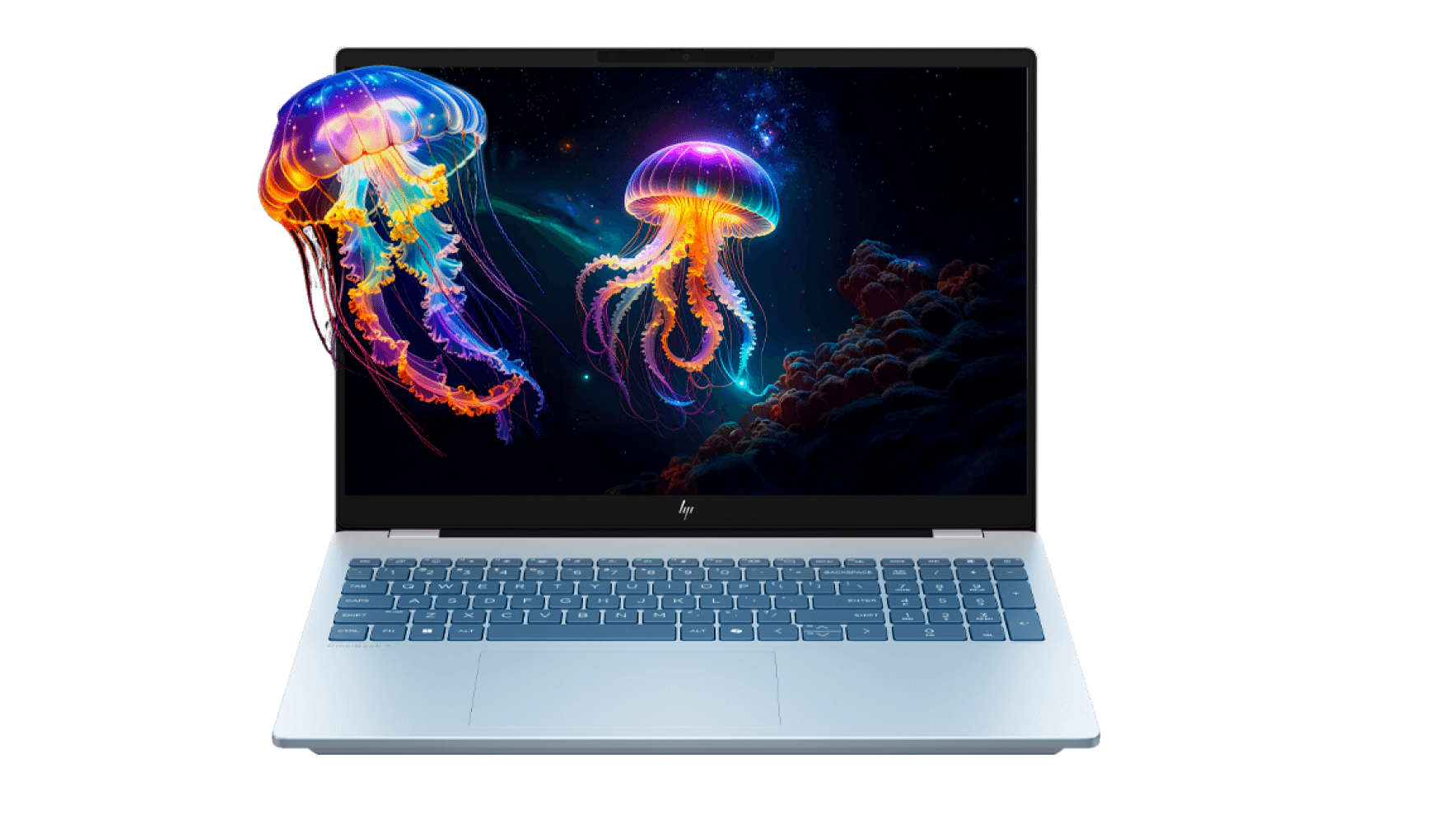
For a buyer who mostly writes, studies or works in browser tabs, the OmniBook 5 listing may be enough. A more demanding multitasker can compare the OmniBook 7 specifications, while someone who actively wants a touchscreen convertible should consider the OmniBook X Flip. These are use-case distinctions, not a universal ranking.
Buying direct, with caveats
Buying from the manufacturer gives readers a clear source for model specifications, availability and manufacturer support information. The store also groups related devices and accessories, which can make it easier to build a shortlist without bouncing among sellers. The practical benefit is strongest when you already know what screen size and workload you need.
The limitation is that a direct catalogue can still leave configuration choices to the shopper. Naming conventions are dense, availability can vary, and a broad promise such as AI readiness does not answer questions about memory capacity, ports or the panel on the exact unit. We recommend treating the SKU page as the source of truth and reviewing support and delivery terms before checkout.

- Match screen size to how often you carry the computer.
- Compare processor and memory on the exact SKU, not just the OmniBook family name.
- Confirm touch, OLED and convertible features on the model page.
- Review the store’s current stock, delivery and support terms before placing an order.
Where the store is strongest
- Three clear form factors in this sample: portable 14-inch, performance-focused 14-inch and convertible 16-inch.
- Manufacturer product pages keep model-level specifications and support information together.
- Product-family distinctions help shoppers build a shortlist around portability or flexibility.
Where shoppers should pause
- Configuration names require careful checking; nearby models may not share the same screen or components.
- Higher range positioning does not by itself prove value for a particular workload.
- Stock and configuration details can change, so saved comparisons may become outdated.

Summing up
Our view is that the HP Store is a useful place to research and buy an OmniBook if you want manufacturer-listed specifications and a direct route to support. The range has practical distinctions: the OmniBook 5 for portable everyday work, the OmniBook 7 for a stronger configuration tier, and the X Flip for a larger convertible format.
We would recommend starting with the OmniBook 5 page for straightforward portability, then moving to the OmniBook 7 details or X Flip listing only when their added capabilities fit a real need. The honest drawback is the amount of SKU detail a buyer must verify before checkout.