
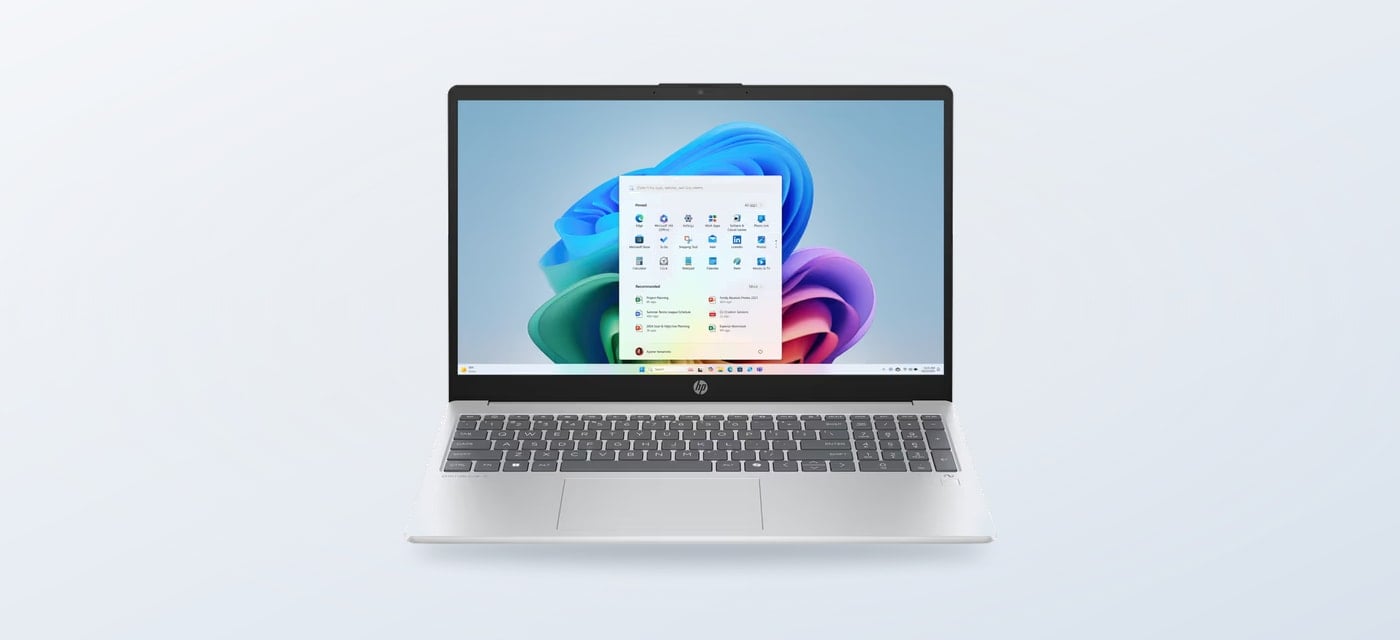
Choosing an HP laptop is less about finding one universally best model and more about deciding whether everyday portability or dedicated graphics matter more. The HP Store groups these needs into OmniBook laptops for general work and study, and OMEN systems aimed at gaming.
We compared the configurations listed on the Italy-region HP Store, including screen size, processor, graphics and availability. The pages can change by configuration and stock, so treat the specifications below as a way to narrow the choice, then confirm the live product listing before deciding.
When you shop through the links in this article, the retailer may pay us a commission. Your price stays the same.
The short version
- HP OmniBook 7 is the more portable pick, with a 14-inch 3K OLED display and integrated graphics.
- OMEN 16 is the clear gaming choice: its listing pairs a 144 Hz screen with GeForce RTX 5050 graphics.
- HP OmniBook 5 16 sits between them for general use when a larger OLED screen matters more than gaming graphics.
- All three specific Italy listings were marked unavailable when reviewed; check current options and exact configurations before planning a purchase.
Two different priorities
The HP OmniBook 7 14-fr0002nl is configured around mobility: a 14-inch 3K OLED panel, Intel Core Ultra 7 processor, 16 GB memory and 1 TB SSD. That is a strong on-paper blend for office work, study, calls and media, while the smaller display and integrated graphics keep it distinct from a gaming-first machine. HP also lists a backlit keyboard, face-recognition webcam and WiFi 7 for this variant. Its main caveat is stock: the product page currently says unavailable.

For a larger everyday screen, the HP OmniBook 5 16-bp0000nl uses a 16-inch 2K OLED display and AMD Ryzen AI 7, alongside 16 GB memory and a 1 TB SSD. The listing describes an aluminium design and essential I/O ports. It gives documents and split-screen work more room than the 14-inch option, but trades away some bag-friendly scale. The page also shows this exact configuration as unavailable, so look at other live OmniBook 5 configurations before settling on it.

Where OMEN makes sense
The OMEN 16-ap0009nl changes the brief. HP lists an AMD Ryzen AI 7 processor, NVIDIA GeForce RTX 5050 graphics with 8 GB memory, and a 16-inch 2K screen with a 144 Hz refresh rate. Those are the defining reasons to consider it for gaming or graphics workloads that can use a discrete GPU. RGB keyboard lighting reinforces the gaming setup, but does not make it the more sensible general-purpose laptop by itself.
Against typical thin-and-light laptops, the OMEN’s dedicated graphics and fast display are the meaningful advantage; the compromises are size, power needs and a gaming-oriented feature set. Against a desktop gaming PC, a laptop gives you an integrated screen and one portable unit, but a fixed laptop configuration is less flexible to upgrade. HP’s page lists this OMEN configuration as unavailable too, making stock a practical part of the decision, not a footnote.

Compare the configurations
This table compares what HP lists for these exact models. The store can offer nearby variants with different processors, memory, screens or stock status, so check each linked page against your workload.
| Option | Best fit | What stands out | Limit to weigh |
|---|---|---|---|
| HP OmniBook 7 14-fr0002nl | Portable work and study | 14-inch 3K OLED, Core Ultra 7, 16 GB memory, 1 TB SSD | Integrated graphics; listed unavailable |
| HP OmniBook 5 16-bp0000nl | Everyday tasks on a larger screen | 16-inch 2K OLED, Ryzen AI 7, 16 GB memory, 1 TB SSD | Larger chassis; listed unavailable |
| OMEN 16-ap0009nl | Gaming and graphics-heavy use | 16-inch 2K 144 Hz, Ryzen AI 7, GeForce RTX 5050 | Heavier gaming format; listed unavailable |
Choose by workload
Start with the task that would be hardest for a basic laptop. For browsing, documents, video calls and streaming, integrated graphics are usually the sensible default. A discrete GPU becomes relevant when games or creative applications depend on it. Screen size is the next useful filter: a 14-inch chassis favours travel, while 16 inches gives a more comfortable workspace at a desk.
- Pick HP OmniBook 7 14-fr0002nl for frequent travel, a sharper compact display and general productivity.
- Consider HP OmniBook 5 16-bp0000nl if your everyday work benefits from more screen area and you do not need a gaming GPU.
- Choose OMEN 16-ap0009nl when gaming performance is the reason for buying and you accept the larger format.
- Before comparing value, match processor class, memory, storage, display and included accessories; tier and extras drive the cost more than the family name alone.

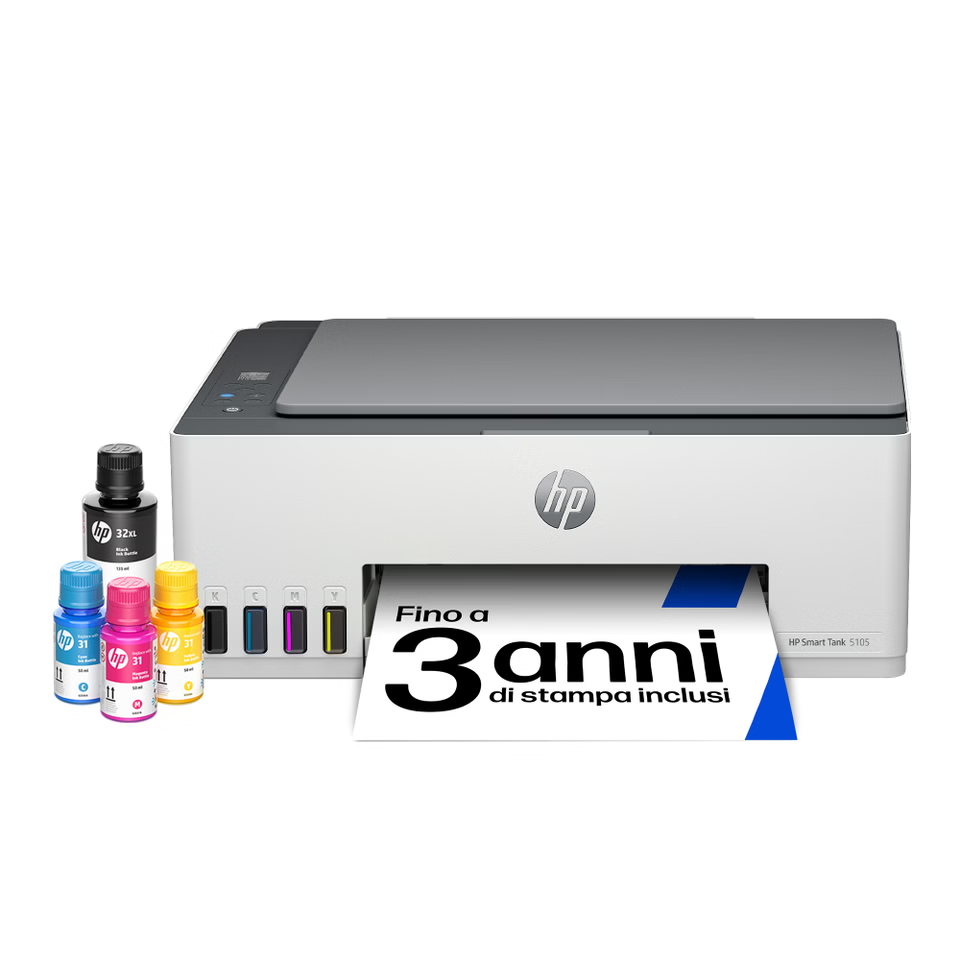
A separate monitor can also change the calculation for a mostly stationary setup. HP sells displays such as the Series 5 Pro, while accessories and printers sit alongside the computer range. These are additions rather than substitutes: they make sense when you already know what your primary computer needs to do.
Where OmniBook wins
- More natural fit for study, office tasks and everyday browsing.
- The 14-inch OmniBook 7 is the easiest of these named options to carry.
- OLED options offer a higher-resolution general-use display in the listed models.
Where OMEN costs more in tradeoffs
- A dedicated GeForce GPU is useful only when software or games can take advantage of it.
- The 16-inch gaming design is less suited to commuters who prize a lighter bag.
- The exact OMEN and OmniBook configurations compared here were listed unavailable.
Summing up
For most work and study buyers, an available OmniBook 7 or another appropriately configured OmniBook is the better starting point; the 14-inch option balances portability and a detailed screen. The OMEN 16 wins when gaming or GPU-dependent work is central, while the OmniBook 5 16 is the middle ground for a larger everyday display.
The limitation is availability: these exact pages were marked unavailable at the time of review, and close model names can hide meaningful configuration differences. Compare current stock and specifications on HP Store before choosing.