
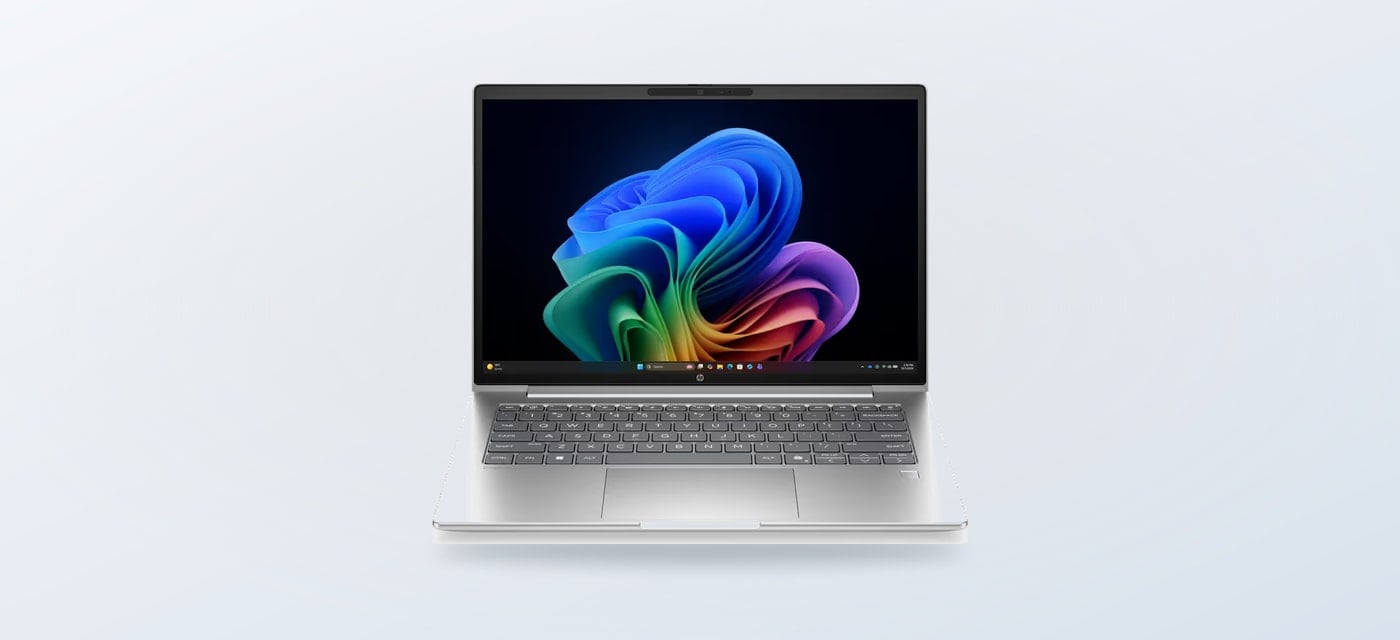
Spring can bring a small change to the home. A desk gets cleared. Paperwork returns to the routine. A shared room has to do more than one job. If a desktop is on the list, start with layout. Do you want the screen and computer in one tidy unit, or a tower that sits separately from your display? We also point to one portable notebook for readers whose work corner moves around.
We reviewed the current product information on HP Store’s Italian shop and found three distinct ways to approach that decision. Store configurations and availability can change. This guide focuses on formats and listed specifications, not a promise about stock.
When you shop through the links in this article, the retailer may pay us a commission. Your price stays the same.
The short version
- HP 24-cr0035nl suits a compact all-in-one desk: its listed configuration combines a 23.8-inch Full HD display, Intel Core i5-1335U, 8 GB RAM and 512 GB SSD.
- HP OmniStudio 27-cv0002nl is the larger-screen all-in-one to compare when the display is part of the workday.
- HP OmniDesk M02-0020nl is a tower format for shoppers who already own a monitor or prefer a separate screen.

Choose the desk shape
A spring workspace refresh does not have to mean replacing every part of a setup. An all-in-one keeps the computer behind the display, which can reduce the visible equipment around a shared table. The HP 24-cr0035nl PC Desktop All-in-One is a concrete example: HP lists a 23.8-inch Full HD screen and a 13th-generation Intel Core i5-1335U with 8 GB RAM and 512 GB SSD. Those details point to general home and office use. Check the memory capacity against heavier multitasking needs.
If your desk can take a wider display, the HP OmniStudio 27-cv0002nl makes the screen itself the centre of the setup. HP lists a 27-inch Full HD display, AMD Ryzen 5 processor, 16 GB RAM and 512 GB SSD for this configuration. That gives a more concrete comparison with the smaller 24-cr0035nl, although the product page remains the place to verify availability and the full specification.
- Measure the available desk area before choosing a screen size.
- Compare memory and storage with the apps you use most.
- Check ports against your existing display and accessories.
- Confirm the selected configuration and current availability on the product page.

A tower for flexibility
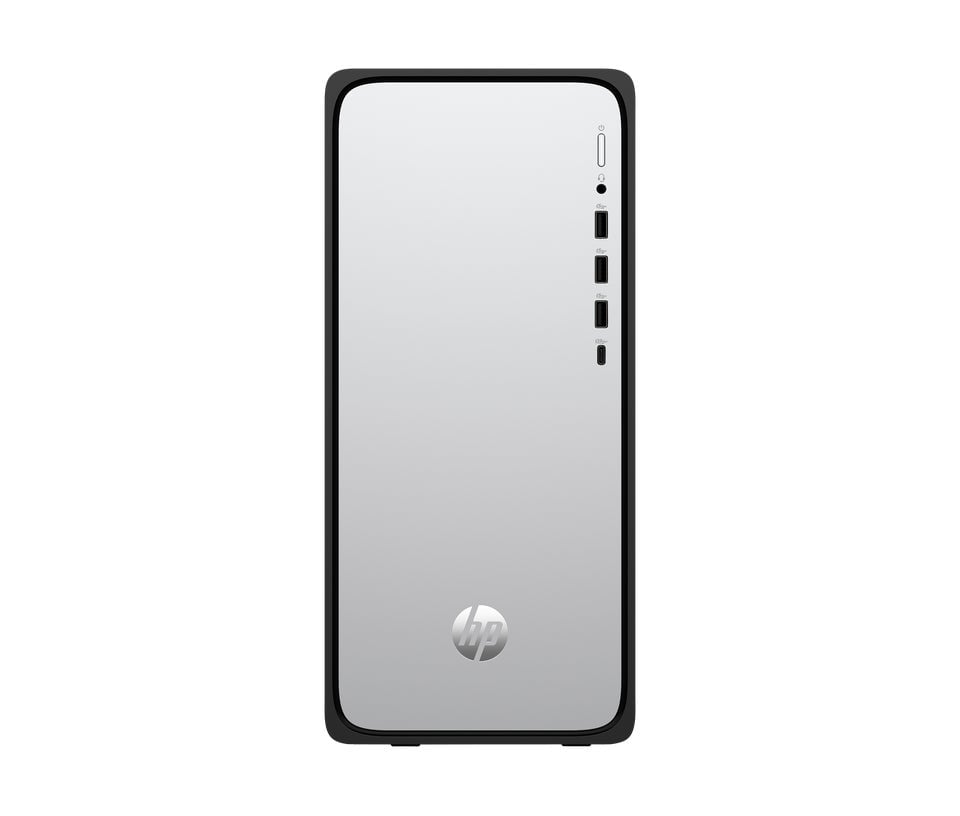
The HP OmniDesk M02-0020nl separates the computer from the monitor. That can make sense in a home office with a suitable screen already in place. It also suits shoppers who prefer a traditional tower and separate display. HP lists an Intel Core i5-14400 processor, 16 GB RAM and 512 GB SSD for this configuration. Check its ports and included accessories on the product page before pairing it with equipment you already own.
If the seasonal work corner needs to travel between rooms, the HP ProBook 4 G2i 14-inch Notebook is a portable alternative listed by HP Store. It is outside this desktop comparison, but can suit readers who do not have a fixed desk. Check the configuration and support details on its page.
Match the rest
A desktop choice is also a screen choice. The HP Store listing for the HP Series 5 Pro QHD 27-inch monitor describes a QHD display with an adjustable design. It is a separate option to consider alongside a tower, although the all-in-one models already include their own screens. A HP Universal USB-C Multiport Hub is another possible desk accessory; confirm which connections your computer supports before adding a hub.

Compare the formats
| Option | Format | Best fit | Check on the page |
|---|---|---|---|
| HP 24-cr0035nl | 23.8-inch all-in-one | Smaller shared desks | 8 GB RAM, storage and ports |
| HP OmniStudio 27 | 27-inch all-in-one | More screen area | Exact component configuration |
| HP OmniDesk M02 | Separate tower | Existing monitor setups | Included peripherals and ports |
Spring household paperwork may bring printing back into the routine too. The HP Smart Tank 7305 all-in-one printer appears in the Italian store’s home printer range, so it is a product to consider if scanning and printing are part of the same desk corner. Check the product listing for its supported functions and supplies before building it into the setup.
Before settling on a spring setup, note the tasks it needs to handle and what you already own. A tower can be the more economical use of existing equipment, while an all-in-one keeps the arrangement visually simpler. Neither format removes the need to check the fine print: availability, included keyboard and mouse, connectivity and the precise configuration belong to the individual Italian store listing.

Strengths and limits
Where the range helps
- Several desktop layouts make it easier to work around desk space and equipment already owned.
- The 24-cr0035nl page gives useful concrete specifications, including display size, processor, memory and storage.
- HP’s direct product pages let shoppers confirm configuration details and current availability at the source.
Details to verify
- All-in-one systems tie the screen and computer together, so screen upgrades mean changing the whole unit.
- The OmniDesk tower needs a separate display, and the total setup depends on what you already have.
- Configurations and stock vary; check ports, memory, accessories and delivery details on the live product page.
Summing up
For a clear desk and a straightforward everyday setup, start with the HP 24-cr0035nl. If a larger integrated screen matters more, compare the HP OmniStudio 27. Choose the HP OmniDesk M02 when a separate tower fits your existing monitor and desk plan.
The limitation is that product names alone do not guarantee a particular configuration or availability. Check the live Italian store page against your workspace and workload before deciding.