
A good brand introduction should explain more than what a company sells. It should show how the range is organized, what problems its products aim to solve, and where a new reader can begin. HP Store makes that question practical: its Italian shop gathers everyday computing, work equipment and printing in one direct channel. Readers can browse the HP Store range by product category.
We drew on the Italian store’s product pages and category listings for this feature, checking each named model’s description, functions and stated use case. The useful thread is breadth with distinct lanes: laptops and desktops sit alongside monitors, accessories and printers, while product pages spell out the intended workload and key features. Explore the Italian store categories to see how the catalog is grouped.
When you shop through the links in this article, the retailer may pay us a commission. Your price stays the same.
The short version
- The Italian HP Store combines consumer and business PCs with monitors, accessories and a substantial printer catalog.
- HP ENVY 6532e is a home all-in-one for colour documents and photos, with copy, scan and duplex functions.
- HP OfficeJet Pro 9135e is positioned for a home office or small team, including a 35-sheet automatic document feeder.
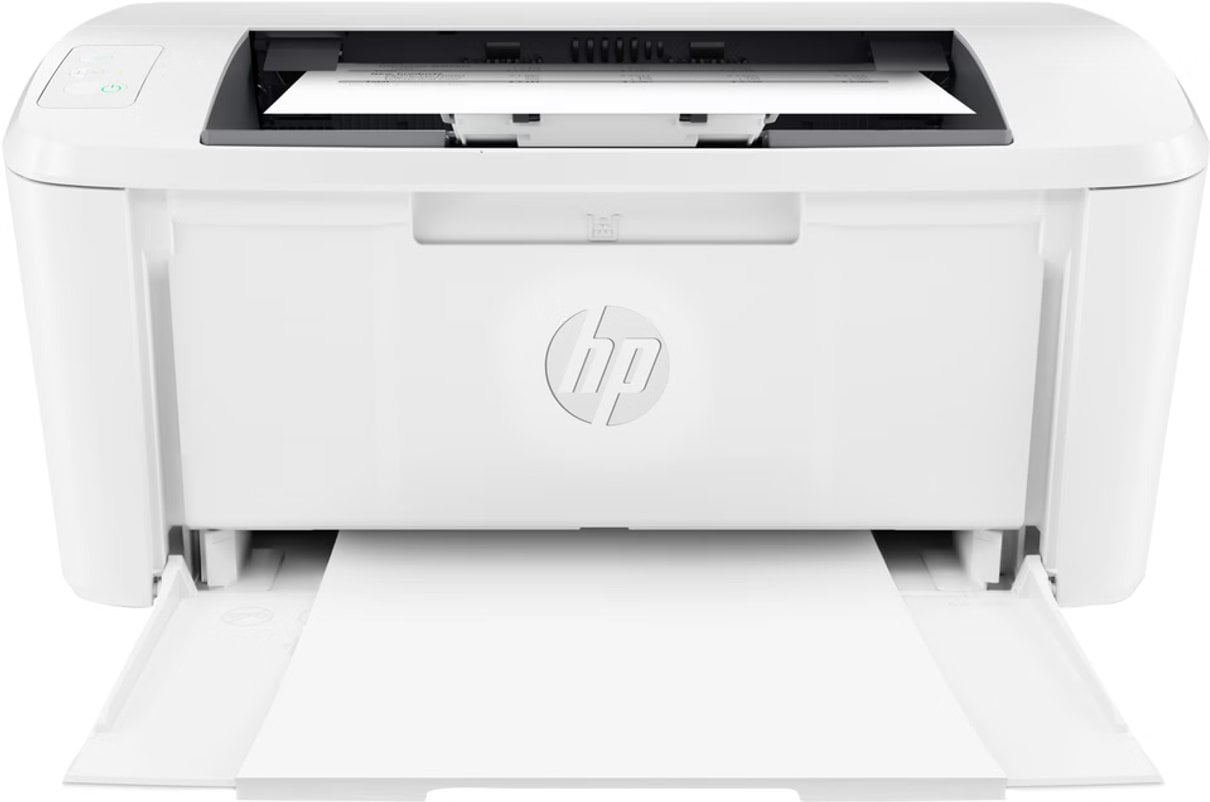
- HP LaserJet M110w illustrates the compact monochrome option for text-led printing.
- Configuration, consumables and availability matter as much as the headline model, so check the Italian product page before deciding.
A practical brand idea
HP began as a technology company, but a first-time visitor does not need a corporate timeline to understand this store. Its current proposition is visible in the way the catalog groups devices by use: portable computers for personal and professional tasks, systems for gaming and business, and equipment for the desk around them. The brand story here is less about one signature object and more about a connected toolkit. The official HP Store catalog makes that breadth easy to see.
That breadth can be useful when a setup needs to grow. A laptop buyer can also compare monitors, docks, keyboards or printers without leaving the manufacturer’s store. It also asks the reader to narrow the brief before browsing the current HP Store selection: a product family is not a recommendation on its own, and similar model names can conceal meaningful differences in size, features and configuration.
From desk to document
The printer range makes the brand’s practical approach especially clear. See the printer range at HP Store for the different formats. The HP ENVY 6532e combines colour printing with copying, scanning, mobile fax functions, duplex printing and a touchscreen. HP describes it for households managing schoolwork, documents and photos; its automatic document feeder is a useful distinction for scanning or copying multi-page material. See the HP ENVY 6532e details
For more regular office paperwork, readers can view available office printers, including the HP OfficeJet Pro 9135e, which shifts the emphasis toward a home office or small team. Its Italian product page lists an automatic feeder for 35 sheets and a workload recommendation of up to 2,000 pages monthly. That kind of published guidance is more useful than buying by model number alone: consider who will share it, how often you scan, and whether colour is essential. View the HP OfficeJet Pro 9135e specifications

The HP LaserJet M110w offers a different proposition: compact monochrome laser printing for a small business or home office. HP highlights its small footprint, speed and HP Smart app setup. If most output is text, a mono laser may suit the job better than a photo-oriented inkjet; if colour images are routine, it is the wrong lane. Check the HP LaserJet M110w page

Beyond the printer
The broader catalog spans personal and business computers, gaming systems, monitors and accessories. View the HP Store collection to explore those product groups. This makes HP Store relevant to readers planning a whole workspace, not just replacing one device. It also means comparison should start with the task: screen size and portability for a laptop, expansion and desk footprint for a desktop, or panel size and connection needs for a monitor.
- For mixed household use, look at all-in-ones that combine printing, copying and scanning.
- For photo output, inspect the model’s photo handling and paper support, not only its colour label.
- For frequent documents, compare the recommended monthly workload and feeder capacity.
- For a new desk setup, check ports and accessory compatibility across devices.

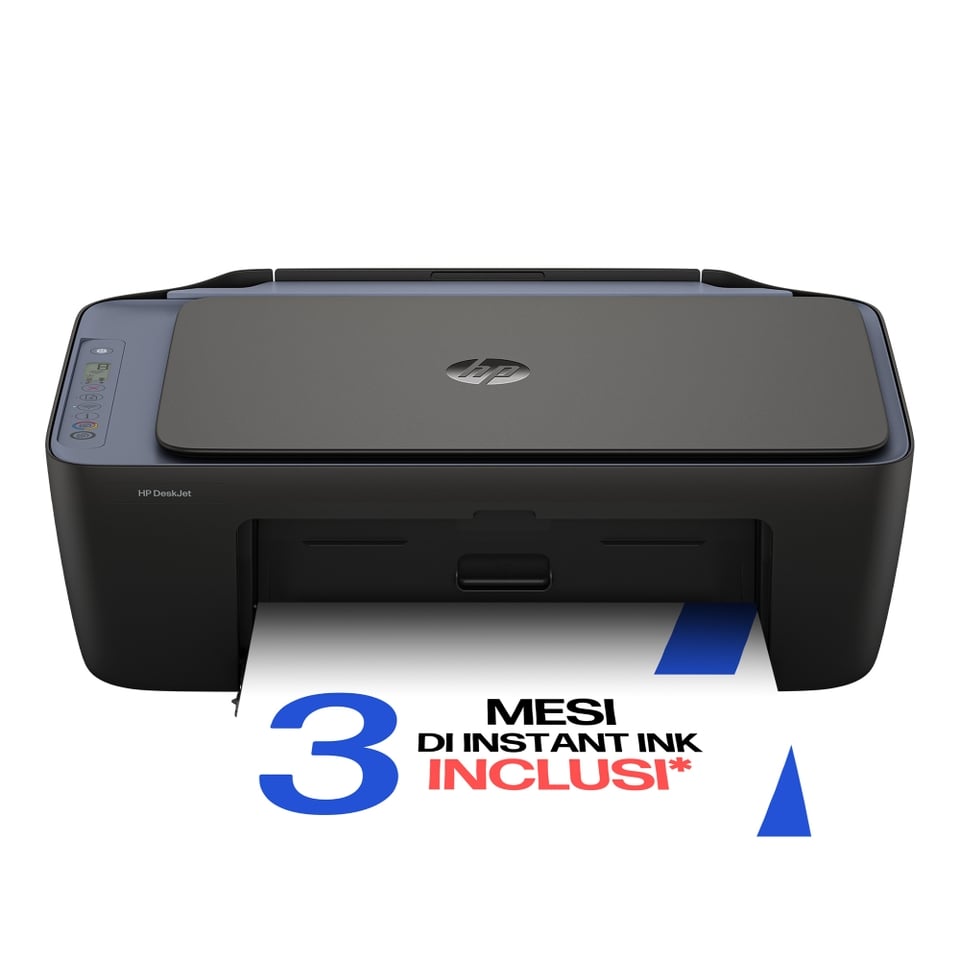
Alongside the feature-rich ENVY Photo models, simpler options such as the HP ENVY 6120e and HP DeskJet 2921 show why the product page details deserve a close read. HP presents these for everyday home tasks, with wireless printing and the core scan or copy functions, while the included features and supported workload vary. A small household with occasional printing has different needs from a shared workgroup.

Buying from the source
A direct brand store is useful when specifications, stock status and compatible supplies are all part of the decision. Check the HP Store pages for model-level details. HP’s Italian pages include model information and links to support, delivery and returns details. The trade-off is that the catalog can feel broad at first glance: readers still need to check exact configuration, included extras and ongoing supply costs rather than assuming every item in a family is identical.
For example, inkjet models may be compatible with HP Instant Ink, but subscription suitability depends on print volume and plan terms. Check those terms directly, alongside cartridge availability and the policies that apply to your order. For business devices, support coverage and workload ratings deserve equal attention.
Where the range helps
- Clear distinctions between home, office, photo and monochrome printing use cases.
- Product pages that bring core functions and workload context together.
- A single store for computers, printing, monitors and common desk accessories.
Details to weigh
- The number of families and configurations can make first-pass browsing feel dense.
- Ink, toner, paper and optional support plans affect the longer-term fit.
- Availability and specifications can vary by exact model and should be confirmed on the Italian listing.
Summing up
We see HP Store as a broad, practical destination for readers who want to explore computers and printing together and compare official product details in one place. The clearest starting point is the job in front of you: household colour and scanning, a small office workflow, or straightforward monochrome documents.
The limitation is choice: a wide range rewards careful filtering, and ongoing supply costs deserve attention, especially for printers. Use the store’s model pages to confirm the configuration and support details that match your actual workload.