
A warning light can turn a routine drive into an expensive guessing game. The right scanner gives you a clearer first step: read the code, understand the system involved and decide whether the repair belongs in your driveway or a professional bay. This guide shows you how to choose a THINKCAR tool by matching capability to the way you actually work on cars.
Step 1: Decide what you need to diagnose
Begin with the problem you want to solve, not the most impressive specification sheet. A simple check-engine-light reader is different from a tool for ABS, airbag, transmission or service resets. THINKCAR covers that spread with compact Bluetooth adapters, handheld DIY scanners and more advanced tablets.
- For occasional warning-light checks, prioritize portability and simple code reading.
- For maintenance at home, look for service resets and access to multiple vehicle systems.
- For a small repair business, choose broad coverage, active tests and faster data display.
- For advanced work, consider ECU coding, online programming and expandable modules.
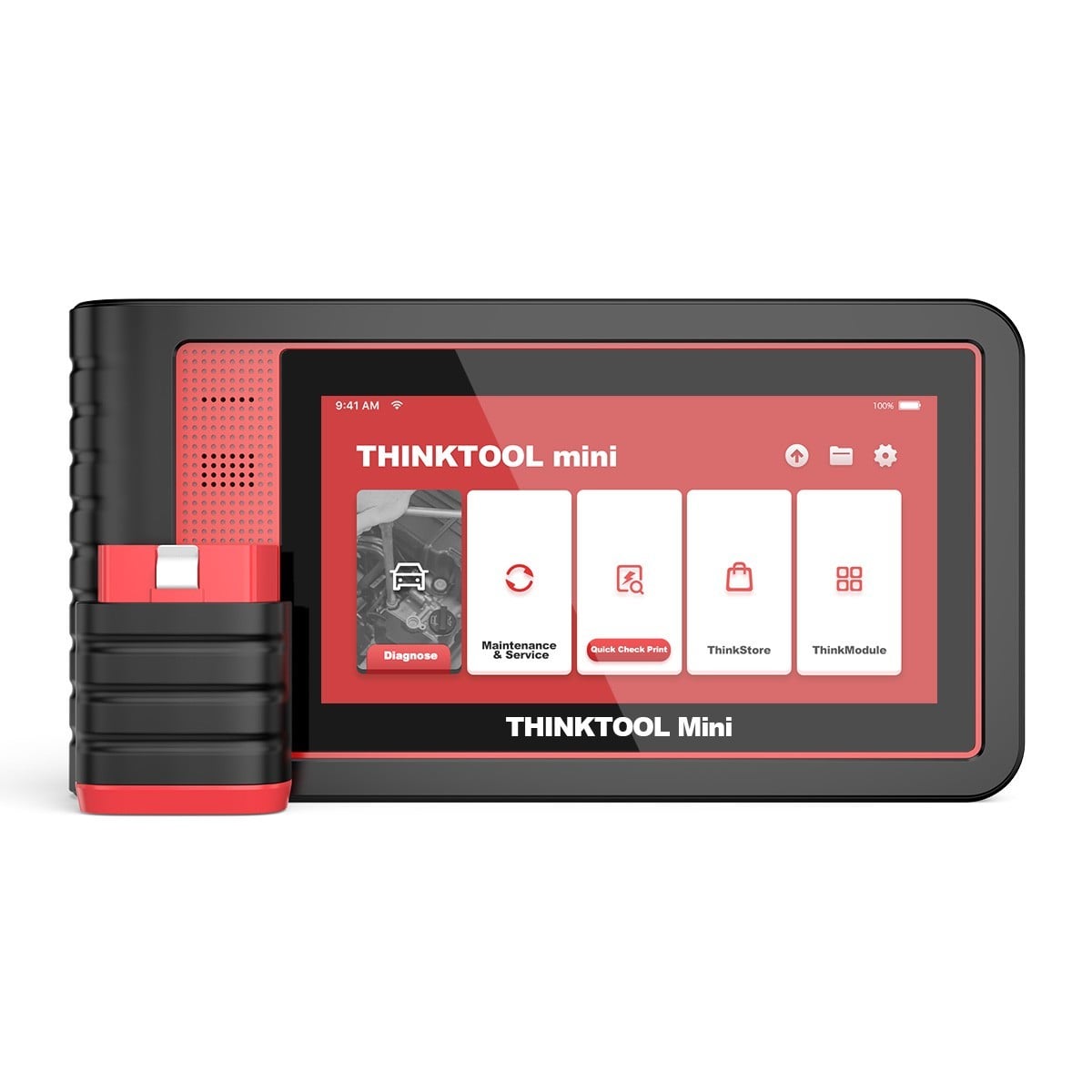
The useful advantage is flexibility. You can begin with an affordable tool and move upward as your jobs become more involved, while keeping the same brand ecosystem in mind. If you want a low-cost starting point, compare the $69.00 THINKDIAG MINI with your vehicle list before choosing.
Step 2: Match the tool to your experience
Next, be honest about how much guidance you want. A pocket adapter suits drivers who prefer a phone-based workflow. A dedicated screen is easier when you are standing beside the car with gloves on. A workshop tablet makes more sense when you need repeated scans, reports and deeper testing during a busy day.
- New DIY owner: choose a straightforward adapter with clear code information.
- Confident home mechanic: step up to a full-system scanner with reset functions.
- Mobile technician: favor wireless operation, a bright display and broad vehicle coverage.
- Professional garage: invest in faster hardware, active tests and programming support.
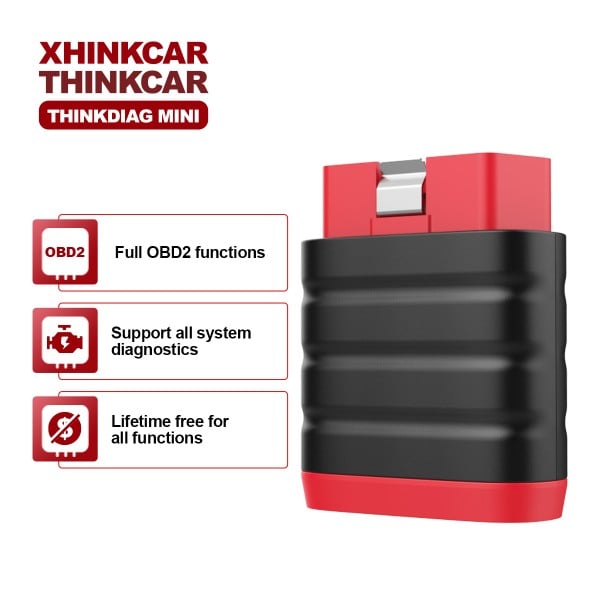
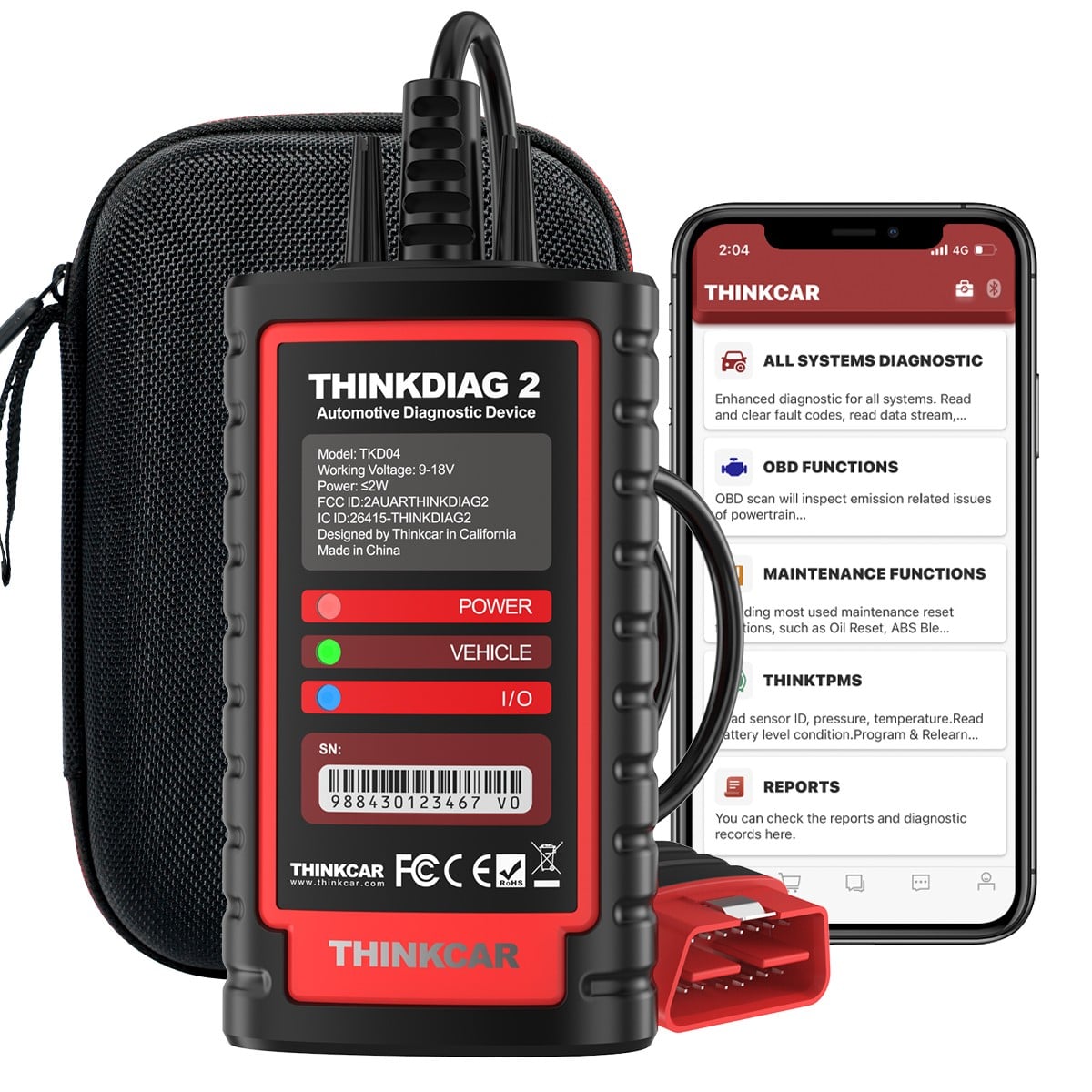
The THINKDIAG 2 is a sensible middle option at a listed sale price of $135.20. Its adapter format keeps storage simple, while the platform is designed for more than a single engine-code scan. That makes it a practical bridge between casual troubleshooting and a dedicated workshop tablet.
Step 3: Compare coverage and useful functions
Do not treat “full system” as a magic phrase. Check the systems and functions you need for your own cars or customer vehicles. THINKCAR lists tools that can cover multiple makes, with selected models adding live data, active tests, coding or service functions. Software availability can vary by vehicle and subscription, so confirm compatibility before checkout.
- Read, clear and interpret engine fault codes.
- View live sensor data while diagnosing a fault.
- Access ABS, SRS, transmission and other modules where supported.
- Run oil, battery, steering or other service resets when available.
- Use active tests or coding only when your vehicle and plan support them.
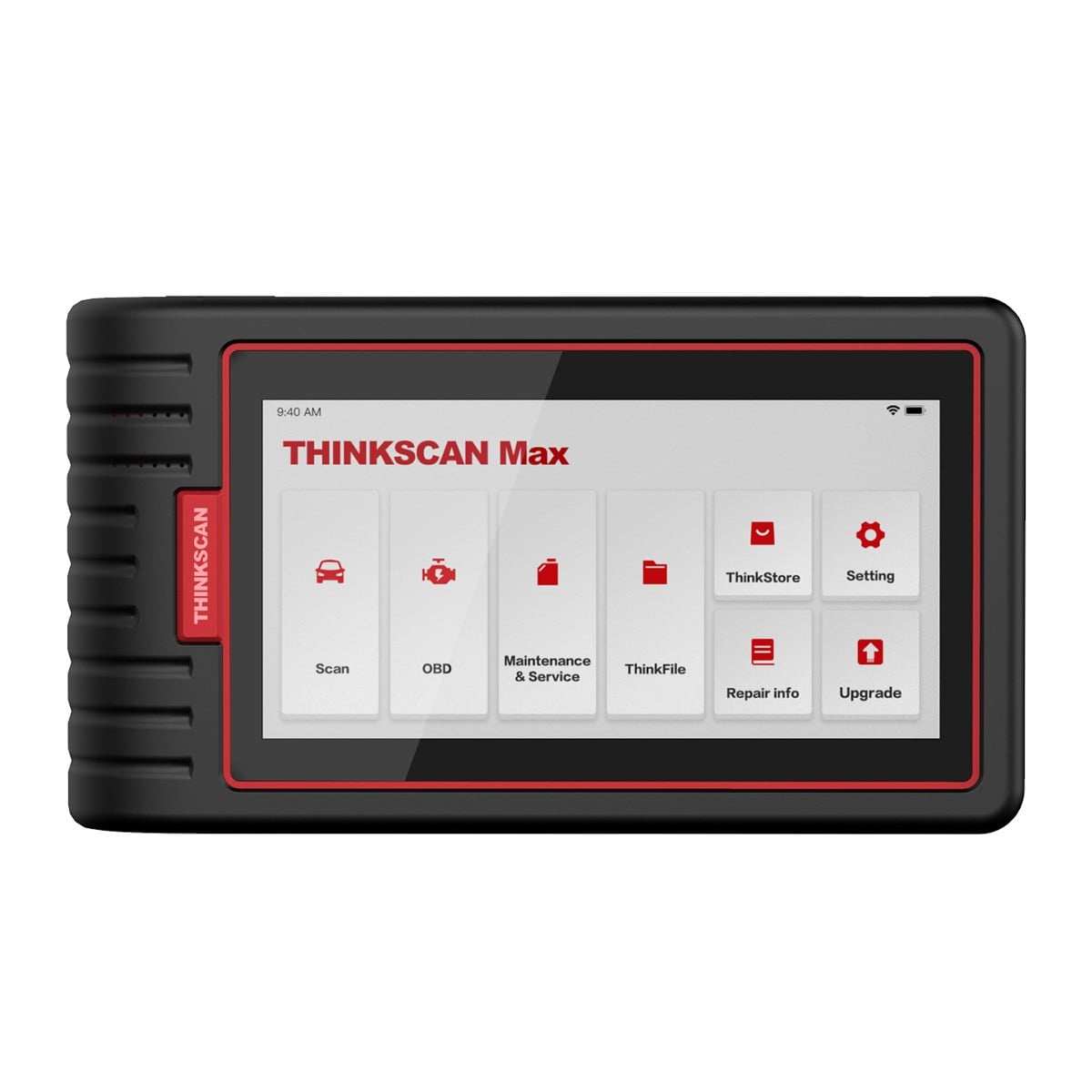
For a broader DIY screen, the THINKSCAN MAX is listed at $314.95 on sale and is described as covering more than 90 American, Asian and European vehicle makes. It is the kind of upgrade to consider when you want a dedicated display and more room to grow.
Step 4: Set a realistic budget
Build the total cost around your use case. The purchase price is only one part of the decision: check whether updates are included, whether special functions require a subscription and whether optional cables or modules are needed. The best value is the tool you will use confidently, not the one with the longest feature list.
- Under $100: start with a compact adapter for basic ownership checks.
- $100 to $350: look for wider system access and a more capable DIY workflow.
- Above $350: consider a larger display, faster operation and advanced functions.
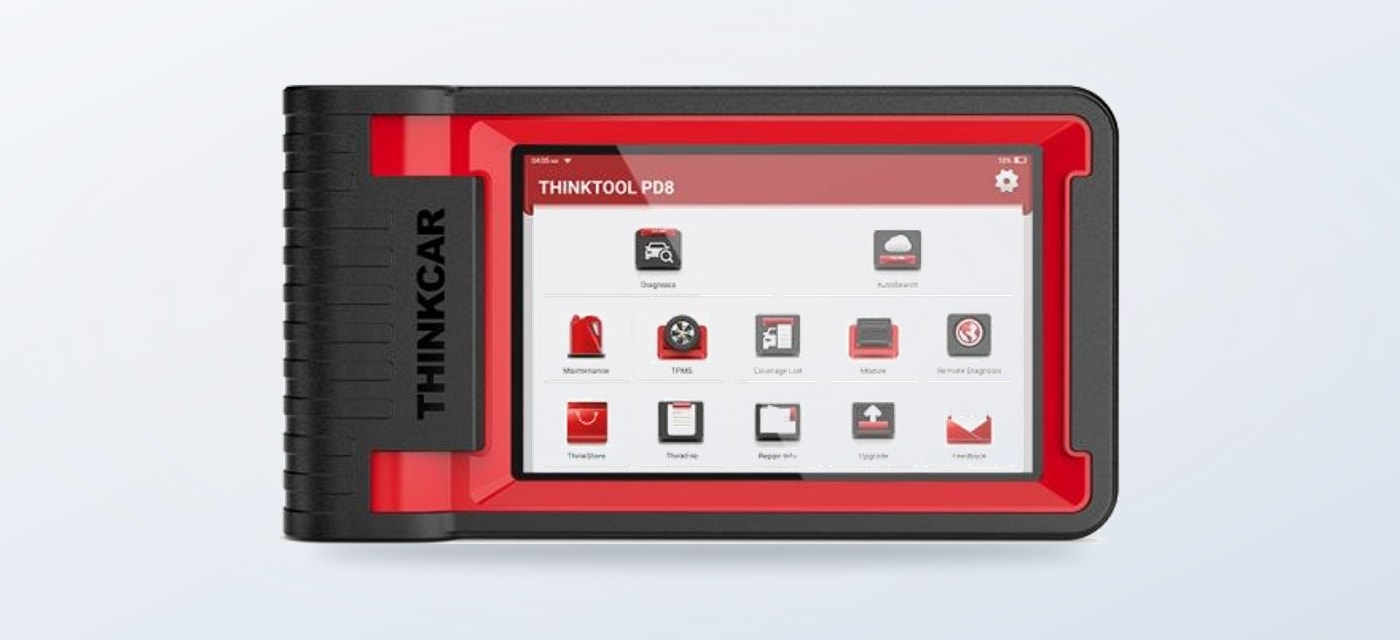
If you diagnose several cars each week, the professional THINKTOOL PD8 deserves a closer look. Its listed sale price is $827.95, and the product page highlights an eight-inch HD screen, Android 10, wireless diagnostics, 2GB plus 32GB storage and support for expandable modules. That is a substantial step up for a garage that can use the extra capability.
Step 5: Check the ownership details
Before you commit, verify the connector, supported makes and the functions available in the United States. Also check update terms and the return policy. A tool is most useful when it has a clear workflow: connect safely, identify the vehicle, run the scan, save the findings and research the repair before clearing anything.
- Confirm your vehicle model and year are supported.
- Read the update and subscription terms for special functions.
- Keep the device firmware current and store scan reports.
- Never clear a safety-system code without understanding the cause.
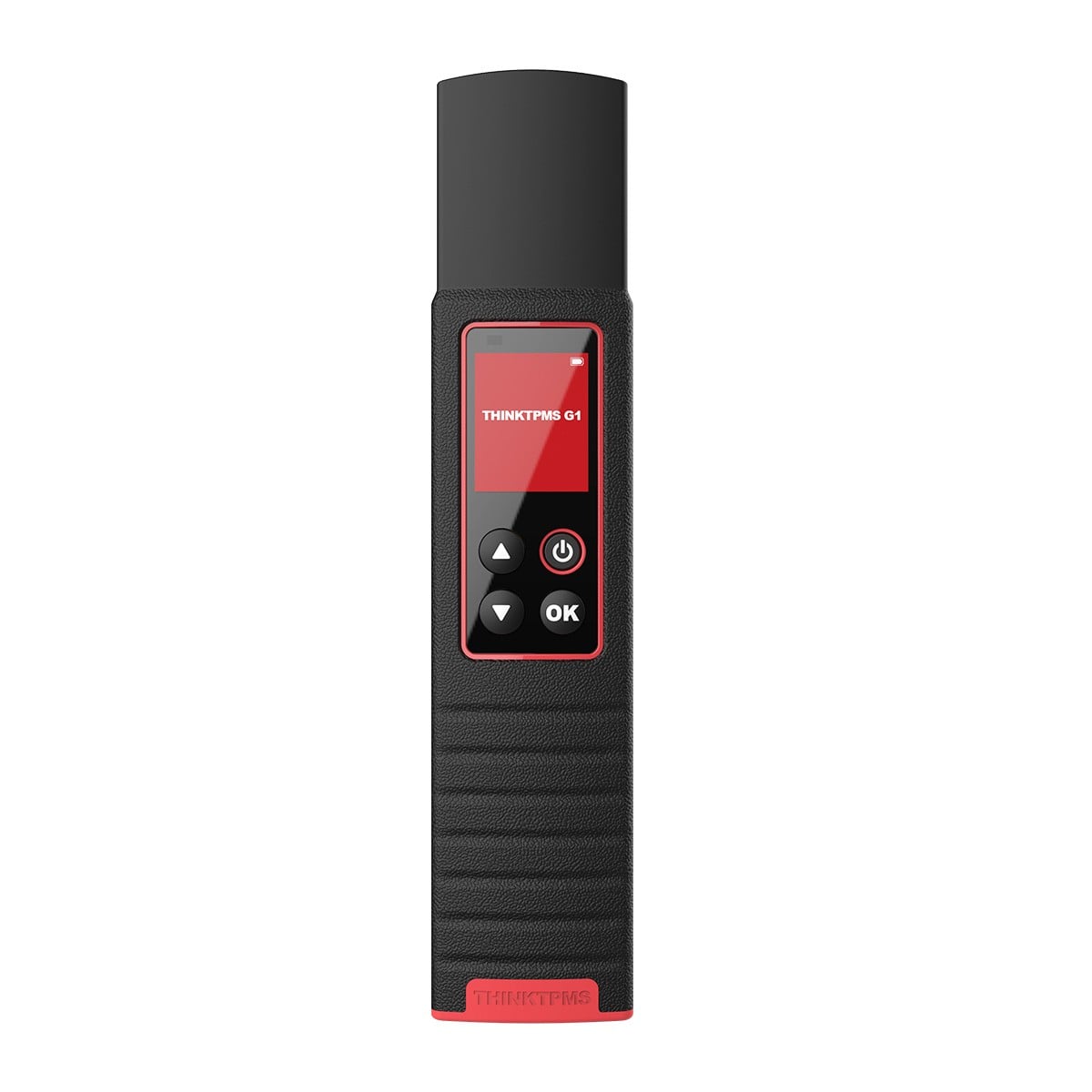
That process is where THINKCAR feels natural: the range lets you choose a tool around your current skill level, then move toward deeper diagnostics as your confidence grows. For tire work, the brand also offers the THINKTPMS G1/G2, listed at $94.99 on sale, with sensor activation, programming, learning and tire-pressure fault diagnosis.
What works
- Wide choice from compact adapters to professional tablets.
- Clear upgrade path for growing DIY and garage needs.
- Useful options for diagnostics, service and TPMS work.
Keep in mind
- Coverage and special functions vary by vehicle.
- Some advanced software may involve a subscription.
- Higher-priced tablets make sense only with regular use.
Use the steps above to narrow the range, then recheck the product page for current availability and compatibility. A deliberate match will make your first scan less intimidating and your next repair decision more informed.