
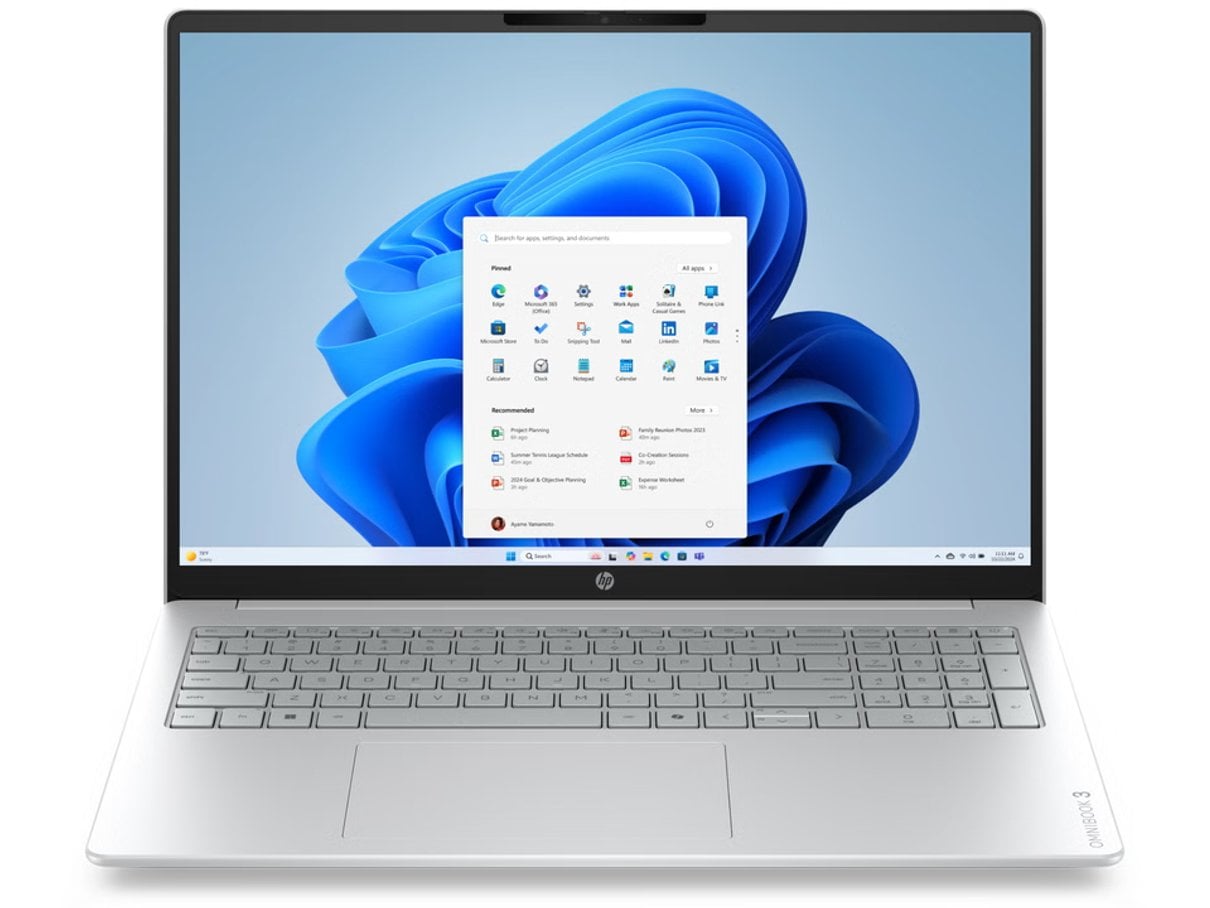
Choosing an HP laptop often starts with a screen size, then gets more complicated: a standard notebook, a higher-tier configuration and a convertible can all look plausible on paper. For this comparison, we look at three models listed by the Italian HP Store and weigh the format choices against the practical alternatives buyers tend to consider.
We reviewed the Italian product pages and their stated configurations. The useful decision is whether you need a larger conventional screen, a more capable everyday tier or a touchscreen that folds into different positions.
When you shop through the links in this article, the retailer may pay us a commission. Your price stays the same.
The short version
- HP OmniBook 3 16-bw0022nlx is the straightforward large-screen laptop for general home and study use.
- HP OmniBook 5 16-bm0006nlx is the conventional 16-inch alternative to compare when the configuration matters more than a folding screen.
- HP OmniBook 5 Flip 14-km0003nlx adds a 14-inch touchscreen and convertible hinge for touch-led tasks.
- For most desk-and-home routines, choose the regular OmniBook 5; pick the Flip when you will actually use its convertible modes.
Three laptop roles
The HP OmniBook 3 16-bw0022nlx is the plainest decision of the group: a conventional 16-inch notebook. Its larger panel can feel more comfortable for side-by-side documents or long browser sessions, while the uncomplicated hinge and keyboard layout suit a desk-first routine. Against a smaller standard laptop, the tradeoff is portability. A 16-inch machine takes more room in a bag and on a narrow table, so it suits regular travel less naturally.

The HP OmniBook 5 16-bm0006nlx keeps that familiar 16-inch format but sits in a different product tier. Buyers should compare its exact processor, memory, storage and display with the OmniBook 3 listing rather than assume the family name tells the whole story. If the two configurations are close on the details you need, the simpler model may be enough; if the listed components better match heavier multitasking, the OmniBook 5 is the more sensible shortlist choice.

The HP OmniBook 5 Flip 14-km0003nlx changes the decision from configuration to interaction. Its 14-inch convertible format adds touchscreen use and a hinge that can fold back for reading, sketching or sharing a screen. It gives up some screen area compared with the 16-inch models. That makes it less compelling if nearly all your work is typing at a fixed desk, when a regular notebook can deliver a more direct fit.

Compare the tradeoffs
This table compares the buying role, not a benchmark ranking. HP configurations can vary, so open each linked listing to check the exact components and current availability.
| Model | Best for | Main advantage | Tradeoff |
|---|---|---|---|
| HP OmniBook 3 16-bw0022nlx | Home, study, desk use | Large conventional screen | Less compact to carry |
| HP OmniBook 5 16-bm0006nlx | Everyday work and multitasking | Conventional format with a higher-tier configuration | Compare component differences closely |
| HP OmniBook 5 Flip 14-km0003nlx | Touch and flexible viewing | Convertible hinge and touchscreen | Smaller panel than the 16-inch pair |
Compared with typical alternatives, a smaller standard laptop is easier to carry, while a desktop replacement can offer a more settled screen setup without being designed for commuting. These OmniBooks sit between those poles. The 16-inch models favour workspace; the Flip earns its extra complexity only when touch or repositioning is part of the routine. Our OmniBook 3 product details, OmniBook 5 listing and Flip specification page make the product-level distinctions checkable.
- Compare processor and memory against your applications, not a model number alone.
- Check the panel resolution and whether touch input matters to your work.
- Think about bag size and desk space before choosing a 16-inch screen.
- Confirm included accessories, warranty wording and availability on the regional listing.

Choose by routine
Start with the work pattern, then check the precise configuration. The same size can cover quite different priorities depending on processor, memory, storage and screen. Each of these Italian HP Store listings provides the current specification set, so use the product page as the final source before choosing.
- Choose OmniBook 3 16 if a roomy screen and straightforward everyday use matter most.
- Choose OmniBook 5 16 if its listed components justify the step up for your workload.
- Choose OmniBook 5 Flip 14 if touch and folded viewing positions solve a real task.
- If portability outranks screen size, compare a smaller notebook before settling on either 16-inch model.

Strengths and limits
Where the range helps
- Three distinct formats make screen size and hinge style easy to weigh.
- The Italian store links model pages with their individual configurations.
- A regular notebook remains available alongside the convertible option.
What still needs checking
- Model families include configuration differences that names alone do not explain.
- A 16-inch screen adds bulk for frequent commuters.
- The Flip costs you some screen area if the touchscreen is rarely used.
- Availability and product details can change; confirm them on the live listing.
Summing up
For most people who work at home, study and move between rooms, the HP OmniBook 5 16-bm0006nlx is our best overall pick if its current processor and memory match the workload. The OmniBook 3 16 is the simpler large-screen choice, while the OmniBook 5 Flip 14 wins for readers who will use touch and convertible modes regularly.
The limitation is that these are product-page comparisons, and the right answer depends on configuration and carrying habits. Check the live Italian listings for components, availability and included items before deciding.