
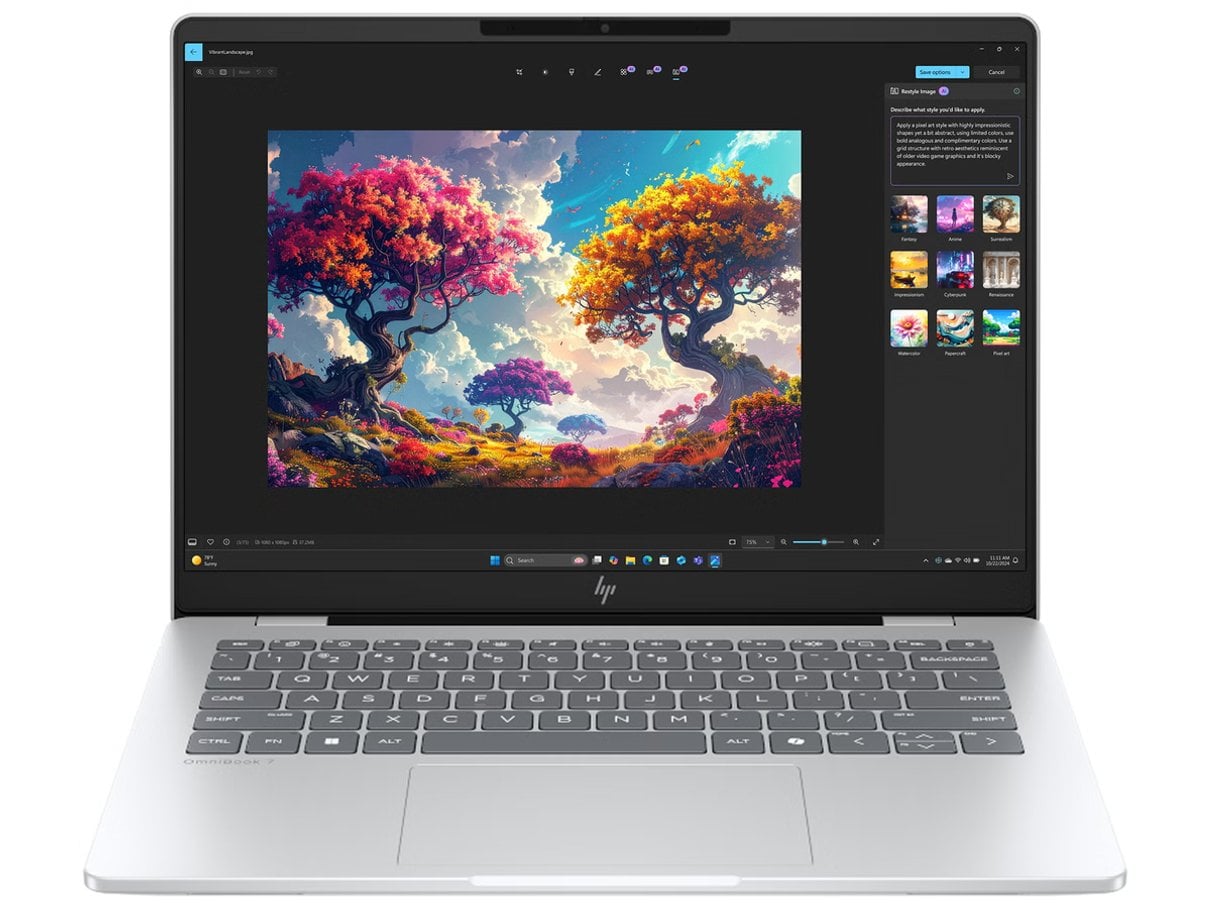
Choosing a laptop is easier when the screen, weight and workload come first. The HP Store catalog covers several OmniBook sizes and configurations, so a model name alone does not tell you whether a machine suits commuting, study or a fixed desk.
We reviewed the Italian store’s product information to set out a short decision path. Use it to narrow the field, then confirm the exact specification and included accessories on the product page before deciding.
When you shop through the links in this article, the retailer may pay us a commission. Your price stays the same.
The short version
- For frequent travel, start with the compact HP OmniBook 7 Aero 13 and check the configuration available in Italy.
- For a balanced everyday screen, the HP OmniBook 5 LaptopAI 14-mh0040nlx lists a 14-inch 2K OLED panel, 16 GB RAM and a 512 GB SSD.
- Consider the HP OmniBook 7 14-fr00004nlx if its listed 14-inch 3K, 120 Hz display is useful for your work.
- Before checkout, verify the processor, memory, storage, keyboard layout, charger inclusion and delivery details on the specific listing.
Start with the day
Write down where the laptop will spend most of its time. A device carried between home, campus and work benefits from a smaller footprint and a manageable bag weight. If it mainly stays on a desk, screen comfort and the ports you use each day may matter more. The Italian catalog lets you compare families such as OmniBook for consumer use and business lines in the same store, but this guide focuses on the OmniBook choices.

Next, make a small priority list rather than chasing the longest specification sheet. A clear order helps you avoid paying attention to features that do not change your routine:
- Choose the screen size you can carry comfortably.
- Set a minimum memory and storage level for your apps and files.
- Decide whether display resolution or refresh rate affects your work.
- Check ports, wireless needs and whether the charger is included.
Match the screen
The HP OmniBook 5 LaptopAI 14-mh0040nlx is one concrete mid-size reference point. Its store page lists an Intel Core 5-320 processor, 16 GB memory, 512 GB SSD and a 14-inch 2K OLED display. That combination gives the reader a practical baseline for documents, browsing and mixed media, while the compact diagonal remains more portable than a larger desktop replacement. The product page is the place to confirm the precise configuration currently offered.

For a sharper, faster-refreshing panel, HP lists an HP OmniBook 7 14-fr0004nlx with a 14-inch 3K, 120 Hz display, Intel Core Ultra 7-255U, 16 GB RAM and 512 GB SSD. Those display details can suit readers who value fine text and smooth motion. They do not automatically make it the best fit: compare the total configuration, your software demands and how often the added screen capability will matter.
Balance travel and power
When low carry weight is the first filter, review the HP OmniBook 7 Aero 13 family. HP’s Italian listings describe the Aero as thin and light for everyday tasks, with 13.3-inch 2K configurations and 16 GB memory. Some variants differ in processor and storage, including options with different SSD capacities. Treat the model family as a starting point, then inspect the suffix and full specification on the exact page; a family name does not guarantee the same components.

A simple workload check can prevent overspending or choosing too little capacity. Use these prompts when comparing the listings:
- Office documents, web tabs and video calls usually reward a comfortable screen and adequate memory.
- Large media projects or specialist apps call for checking processor, memory and graphics details closely.
- Local photo and video libraries make SSD capacity more important.
- Frequent travel makes dimensions, weight and charger requirements part of the specification.
Compare the details
| Option | Useful for | Listed details |
|---|---|---|
| HP OmniBook 5 LaptopAI 14 | Everyday mixed use | 14-inch 2K OLED, 16 GB RAM, 512 GB SSD |
| HP OmniBook 7 14 | Display-led work | 14-inch 3K, 120 Hz, 16 GB RAM, 512 GB SSD |
| HP OmniBook 7 Aero 13 | Regular commuting | 13.3-inch 2K options; check processor and SSD variant |
Use the table as a shortlist, not a substitute for the live listing. HP’s store can present multiple variants under closely related names, and details such as keyboard, operating system and included power adapter can vary. A separate accessory like the HP Smart Tank 6005 belongs in the same ecosystem but is not a reason to compromise on the laptop specification.
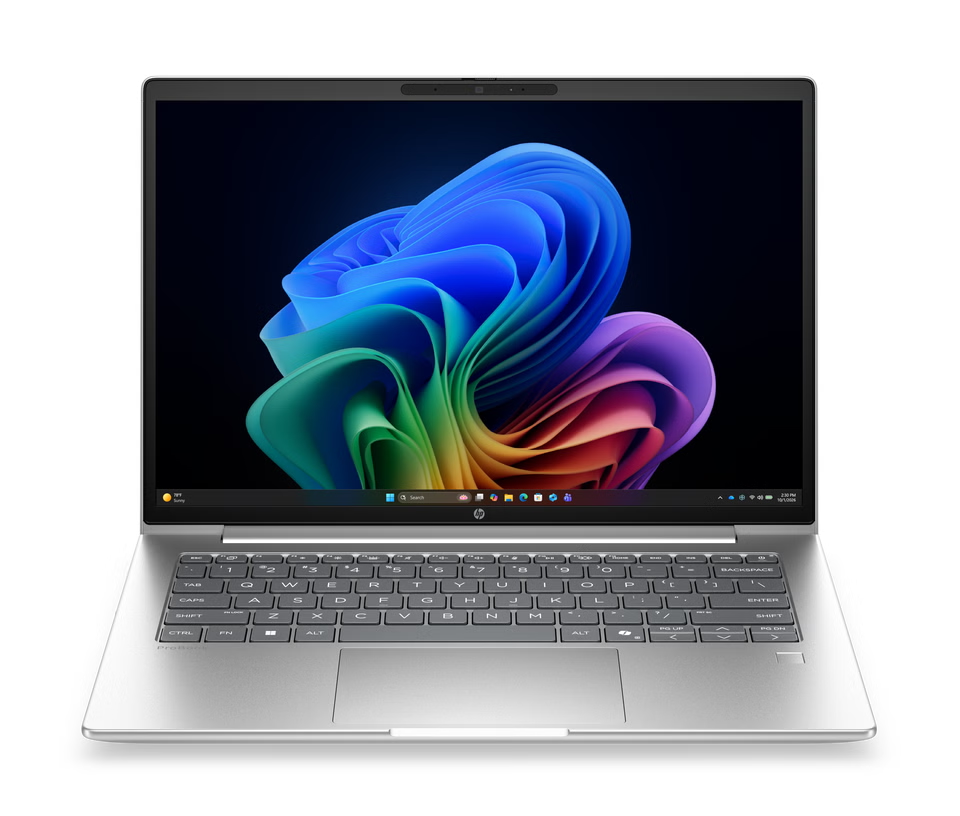
Check the listing
Before choosing, open the exact product page rather than relying on a category tile. Check the processor generation and model, RAM, SSD size, screen finish and resolution, operating system and connection ports. Also confirm availability, shipping estimates, return terms and whether the charger is included. These practical details may affect the real value more than a small difference in the family name.
- Compare the full model code, not just “OmniBook 5” or “OmniBook 7”.
- Check the display specification against your daily work.
- Confirm the exact included accessories and warranty information.

Where HP Store fits
- Regional Italian listings make it straightforward to compare local configurations.
- Product pages state concrete component and screen details for each model.
- A broad catalog helps readers compare compact and larger formats in one place.
Points to verify
- Closely named variants may have different processors or storage.
- The product range and availability can change, so recheck the live page.
- A laptop display or portable design cannot replace a larger desk monitor for every workflow.
Common questions
Do OmniBook variants share specifications?
No. Similar family names can cover different processors, memory, storage and displays. Compare the full model code and specification on the exact HP Store page.
What should I verify before checkout?
Confirm the display, RAM, SSD, operating system, keyboard, ports, charger inclusion, availability and delivery or return terms for the chosen configuration.
Which of these three fits travel best?
The OmniBook 7 Aero 13 family is the compact starting point. Compare the 14-inch OmniBook 5 and OmniBook 7 listings if a larger screen is more useful than the smaller format.
Summing up
Start with how often you carry the laptop, then select the screen and capacity that fit your typical work. The HP OmniBook 5 14 is a grounded everyday option on paper, while the OmniBook 7 14 adds a more demanding display specification and the Aero family targets lighter travel. Our recommendation is to shortlist by those use cases and compare the exact Italian configurations before committing.
The limitation is that names alone do not lock in one specification: available variants, accessories and delivery details can differ. Review the current product page for the configuration you intend to choose.