
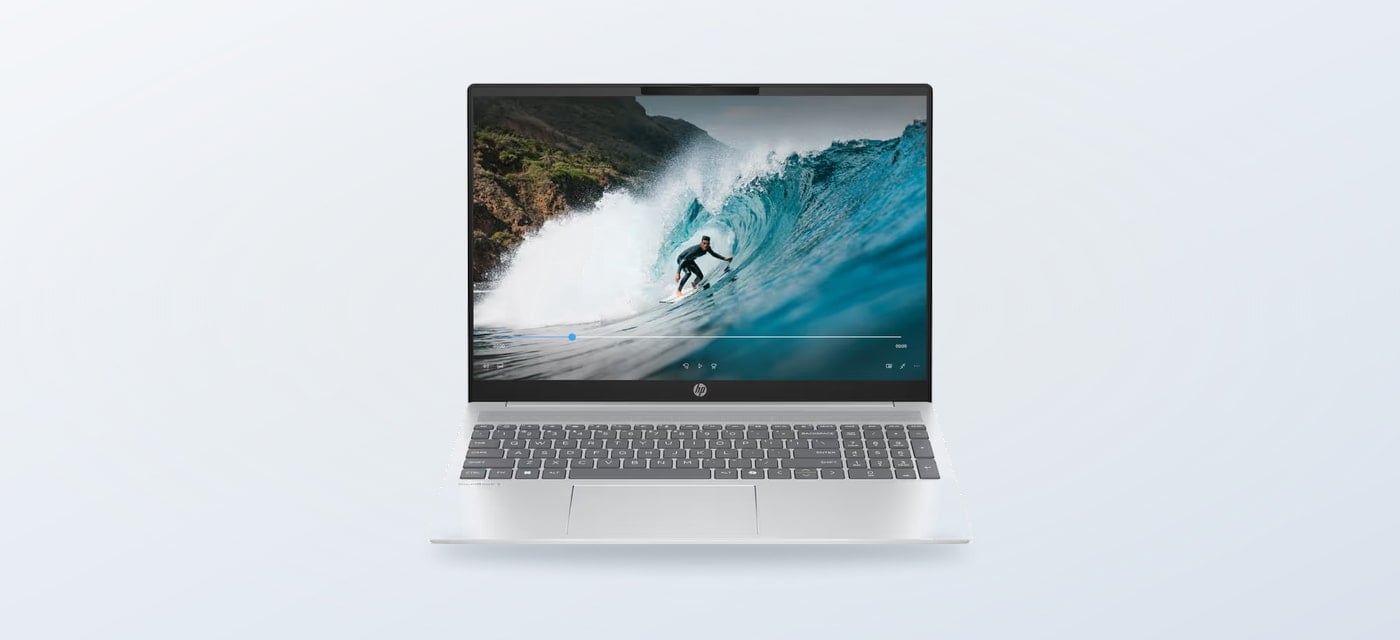
Choosing a 14-inch laptop often means balancing a screen that is comfortable for long work sessions with a machine that still fits easily into a backpack. The HP Store listing for the HP OmniBook 5 14-mh0027nlx stands out for its OLED panel and a sensible everyday configuration. Here we look at what those details suggest, and where the product page deserves a closer read.
This is a review of the product information published by HP Store, rather than a hands-on assessment. The recommendation depends on your workload, expectations for portability and the accessories you already own.
When you shop through the links in this article, the retailer may pay us a commission. Your price stays the same.
The short version
- The HP OmniBook 5 14-mh0027nlx combines an Intel Core 5 320 processor, 16 GB RAM and 512 GB SSD with a 14-inch 2K OLED display.
- Its listed configuration is a strong match for coursework, office tasks, video calls and entertainment, with integrated Intel graphics indicating a less suitable fit for demanding 3D work.
- The product title states that a charger is not included, so check the charging requirements and what you already own.
- HP Store lists an AMD alternative, the HP OmniBook 5 14-hm0005nlx, and the HP Smart Tank 7605 for readers comparing other types of equipment.

A screen for daily use
The central attraction is the display: HP lists a 14-inch, 2K panel with OLED technology and a stated 0.2 ms response time. That combination points to crisp text and strong contrast in a compact format. For essays, spreadsheets, browsing and streaming, this screen size gives a useful middle ground between a small travel device and a larger desk-first laptop. Read the HP OmniBook 5 14-mh0027nlx listing for the full panel and configuration details.
OLED is a display characteristic, not a guarantee that every user will prefer it. If most of your day involves static windows at a desk, consider whether a larger external monitor would be more comfortable. HP Store lists monitors separately, so compare your workspace needs before treating the laptop screen as the whole setup. The product page is the place to confirm the exact panel description attached to this SKU.
Performance and storage
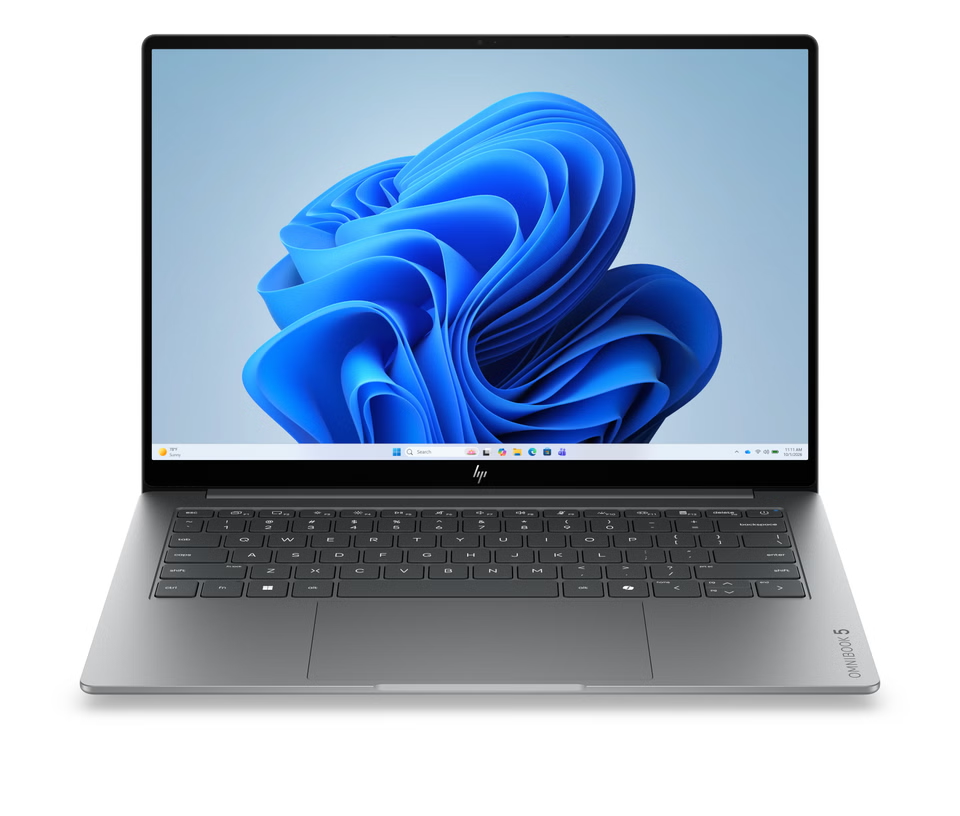
This version pairs an Intel Core 5 320 with 16 GB of memory and a 512 GB SSD, according to the product summary. That is a well-rounded starting point for browser tabs, documents, video meetings and the usual mix of personal apps. The 512 GB SSD should be enough for a working library of files, but anyone keeping large video projects or game libraries locally may want to assess capacity before buying.
- The Intel Core 5 320 and integrated Intel graphics are aimed at general productivity rather than specialist graphics workloads.
- Sixteen gigabytes of RAM gives room for multitasking across common study and office apps.
- A 512 GB SSD keeps applications and active files on local storage; check expansion options in the technical details.
- The listing identifies Windows 11 Home, which is the standard consumer setup shown for this configuration.
The product page is useful because it surfaces the core specification in a concise summary and offers a route to the complete technical details. We would verify the exact processor name, memory, storage and display against the selected model code before checkout, especially when comparing listings with similar OmniBook names. You can revisit the Italian HP Store product details while checking whether the configuration matches your work.

The buying details
One detail should shape the buying decision: the listing names this product as a laptop without a charger. The page also points shoppers to shipping information and manufacturer support. We recommend checking the included-items section and whether an existing USB-C charger meets the model’s requirements, rather than assuming a power adapter is in the box.
The listed SKU is E70F7EA#ABZ. Keeping that identifier alongside the product name can help distinguish it from other 14-inch OmniBook 5 versions. HP Store has direct product pages for different configurations, including the HP OmniBook 5 14-hm0005nlx, which is listed with an AMD Ryzen AI 5 430, 16 GB RAM, 512 GB SSD and a 14-inch 2K OLED screen. Its processor differs, so use the relevant SKU page for the final spec check.
- Confirm the model code and processor shown in the page title.
- Check the included accessories, particularly the omitted charger.
- Read shipping and availability details for your destination.
- Compare warranty and support information shown during the purchase flow.

Who should consider it
The HP OmniBook 5 14-mh0027nlx is easiest to recommend to students, hybrid workers and home users who value a compact display with OLED contrast and need dependable capacity for ordinary multitasking. Its 14-inch format is more convenient to carry than a full-size desktop replacement, while 16 GB RAM and SSD storage make it a plausible everyday work machine.
It is a less natural pick for people who spend most of their time editing high-resolution video, running demanding 3D software or playing graphics-heavy games. The listing specifies Intel graphics, so these users should compare systems designed for those tasks instead of assuming the OmniBook handles them equally well. Readers who need bigger-screen comfort can check the 16-inch HP OmniBook 5 16-ag1013nl page for its listed 2K display and larger chassis.

Strengths and limits
Where it makes sense
- Compact 14-inch 2K OLED screen for mixed work and media.
- 16 GB RAM and 512 GB SSD cover common study and office routines.
- The store presents the model code and headline specifications clearly.
Points to verify
- Charger is not included, according to the product title.
- Integrated graphics are not the obvious choice for demanding visual workloads.
- Confirm shipping, warranty and configuration details for the exact SKU before checkout.
Summing up
The HP OmniBook 5 14-mh0027nlx has a coherent everyday brief: a portable 14-inch OLED screen, 16 GB of memory and a 512 GB SSD. For study, office productivity and streaming, that combination makes it a sensible shortlist option. Our recommendation is conditional on checking the included charger and confirming the exact panel and configuration on the live listing.
HP Store’s detailed product pages help with that final check, while related listings such as the AMD-based OmniBook 5 show how names in the range can conceal meaningful differences. If the size, screen and stated specification suit your routine, review the listing for current availability and product details before deciding.