
Choosing maker equipment often means comparing very different things: a printer for prototypes, a laser for engraving, or the materials that keep a project moving. 3D Prima Technology brings those categories together in a UK-facing specialist store. The useful question is whether its range and product information make choosing easier, and where shoppers still need to do their own checks.
We reviewed the store and product information rather than testing or using the equipment. The listings point to three distinct routes into the range: multi-colour printing, high-speed FDM printing and desktop laser work.
When you shop through the links in this article, the retailer may pay us a commission. Your price stays the same.
The short version
- Broad specialist scope: printers, laser equipment, scanners, filament and accessories sit within one store.
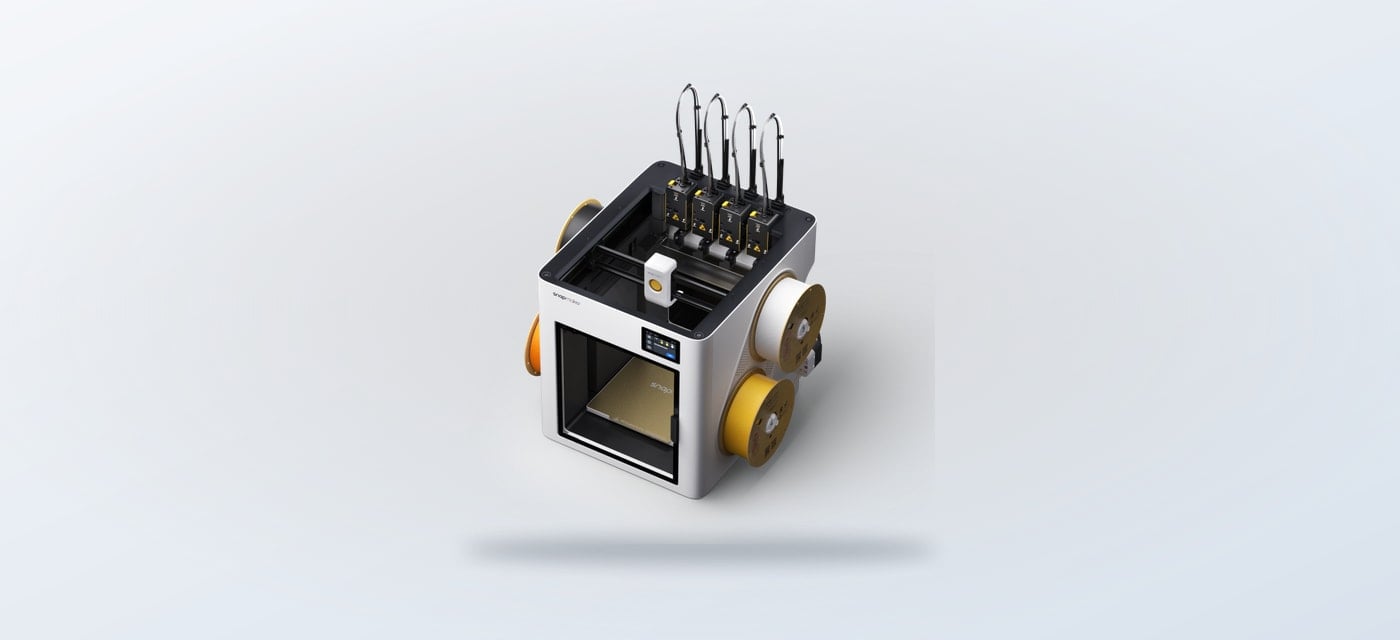
- Snapmaker U1: its listing describes four independent toolheads and a 270 x 270 x 270 mm build volume.
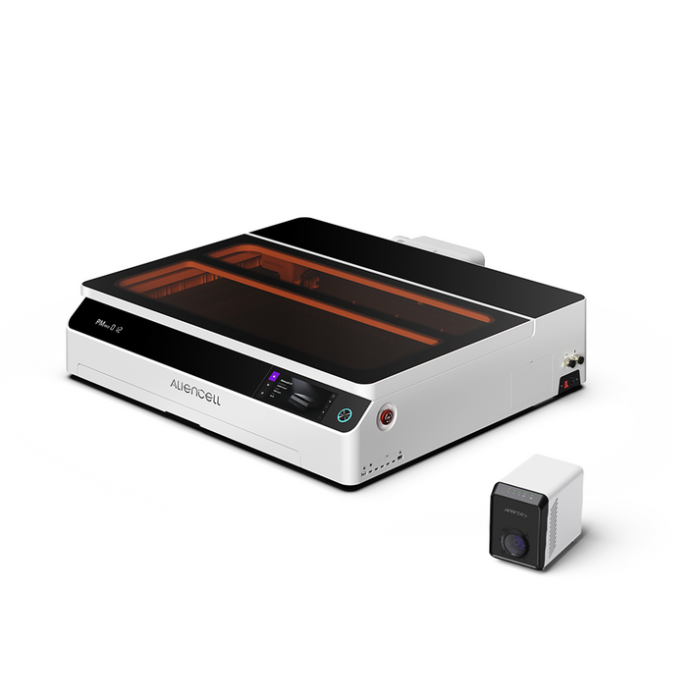
- Aliencell X1: a laser option with camera positioning and module choices, according to its product page.
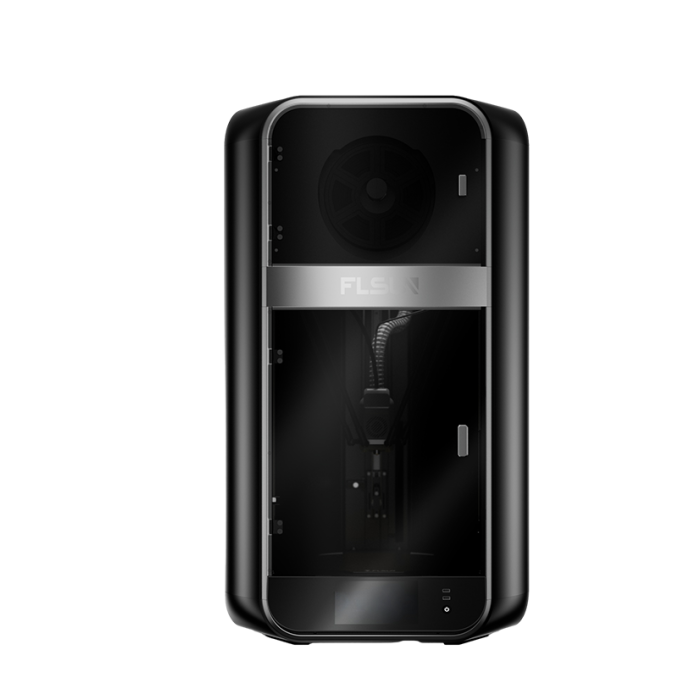
- FLSUN S1: the listing highlights a 320 x 320 x 430 mm build volume and high-speed operation.
A specialist range
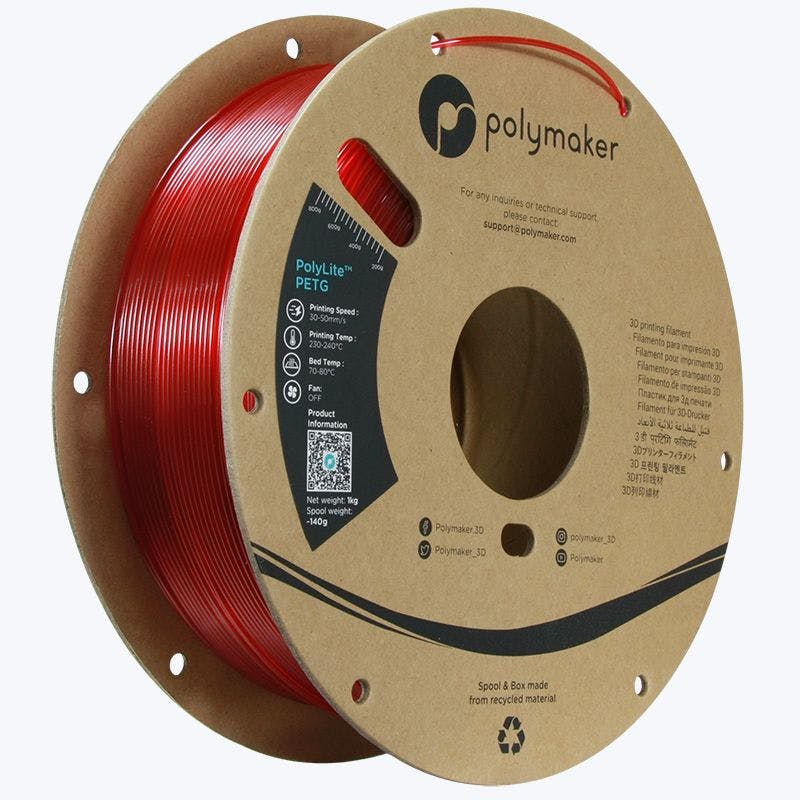
The clearest strength is category breadth with a practical maker focus. A shopper can move from a machine to materials such as Polymaker PolyLite PETG or Creality RFID Hyper PLA, then compare other equipment without leaving the retailer. That can simplify early research when a project spans more than one process. Browse the 3D printer selection, laser tools and filament range to see how broad the catalogue is.
Its product pages also provide model-specific details rather than relying only on broad category copy. That is a useful starting point for separating machines by intended task. Still, the range covers specialist equipment with different learning curves and space requirements; a sizeable catalogue is not a substitute for deciding what your workflow needs.
Printing choices
The Snapmaker U1 is positioned for multi-colour work. The listing says its SnapSwap system uses up to four independent extruders, with a CoreXY structure, automated calibration and a stated 270 x 270 x 270 mm build volume. Those details make it a plausible shortlist candidate for makers who value material changes and multi-colour prints. Review the Snapmaker U1 product listing closely and check supported materials, enclosure needs and software workflow before deciding. The advertised features alone do not establish how they fit every setup.
The FLSUN S1 3D Printer takes a different tack. Its listing describes a 320 x 320 x 430 mm build volume, a claimed maximum speed of 1,200 mm/s and a closed-loop stepper motor system. The larger stated build space may matter for taller or larger parts, while speed claims deserve context: print quality, material, geometry and settings affect real results. See the FLSUN S1 specifications and confirm what is included in the current listing.
Laser work
For engraving and cutting projects, the Aliencell X1 Diode Laser Engraver listing describes a 24 x 18 inch work area, dual 8MP cameras with automatic positioning, and support for 20W, 40W and 60W diode modules. Camera alignment and a larger work area speak to convenience and project scale, but buyers should verify material compatibility, ventilation and local safety requirements for their intended use. The Aliencell X1 page is the place to confirm the exact configuration and included accessories.
That breadth is useful if your workshop mixes processes, although it can also make comparison work yours to do. Before narrowing down, write down the material, work area, software and safety needs that matter most. Then compare like with like across printer listings, laser listings and consumables rather than letting a headline specification drive the choice.
Where it helps
- One specialist catalogue spans machines, materials and supporting tools.
- Product pages offer concrete model specifications for an initial shortlist.
- Equipment serves different maker workflows, from filament printing to laser work.
A few trade-offs
- Feature claims are retailer listing information, not independent performance measurements.
- Compatibility, setup, ventilation and safety requirements need checking for each machine.
- The broad range can leave shoppers to do substantial model-to-model comparison.
A sensible buying sequence is straightforward:
- Define the parts or materials you want to work with.
- Set practical limits for workspace, ventilation and machine footprint.
- Compare the full specification and included components on the exact product page.
- Check the current price, delivery details and support information before committing.

Summing up
3D Prima Technology is worth shortlisting for UK makers who want to research printers, laser equipment and materials through one specialist retailer. The Snapmaker U1, Aliencell X1 and FLSUN S1 show a range with distinct use cases and useful published specifications. Our recommendation is to use those pages to build a shortlist, then verify the finer compatibility and setup details against your own projects.
The main limitation is that detailed product copy is still retailer information, not independent evidence of real-world performance. If you need side-by-side outcome data before choosing, the store pages alone will not settle that question. Check the exact listing and current terms before making a decision.